If you have a Mac M1 or later, you have an ARM processor. Download the Ubuntu Desktop ISO installer file here and install the OS into a virtual machine from that.
Make sure the virtual hard disk is at least 100 GB in size.
Log in with Google, or create an account and log in with it.
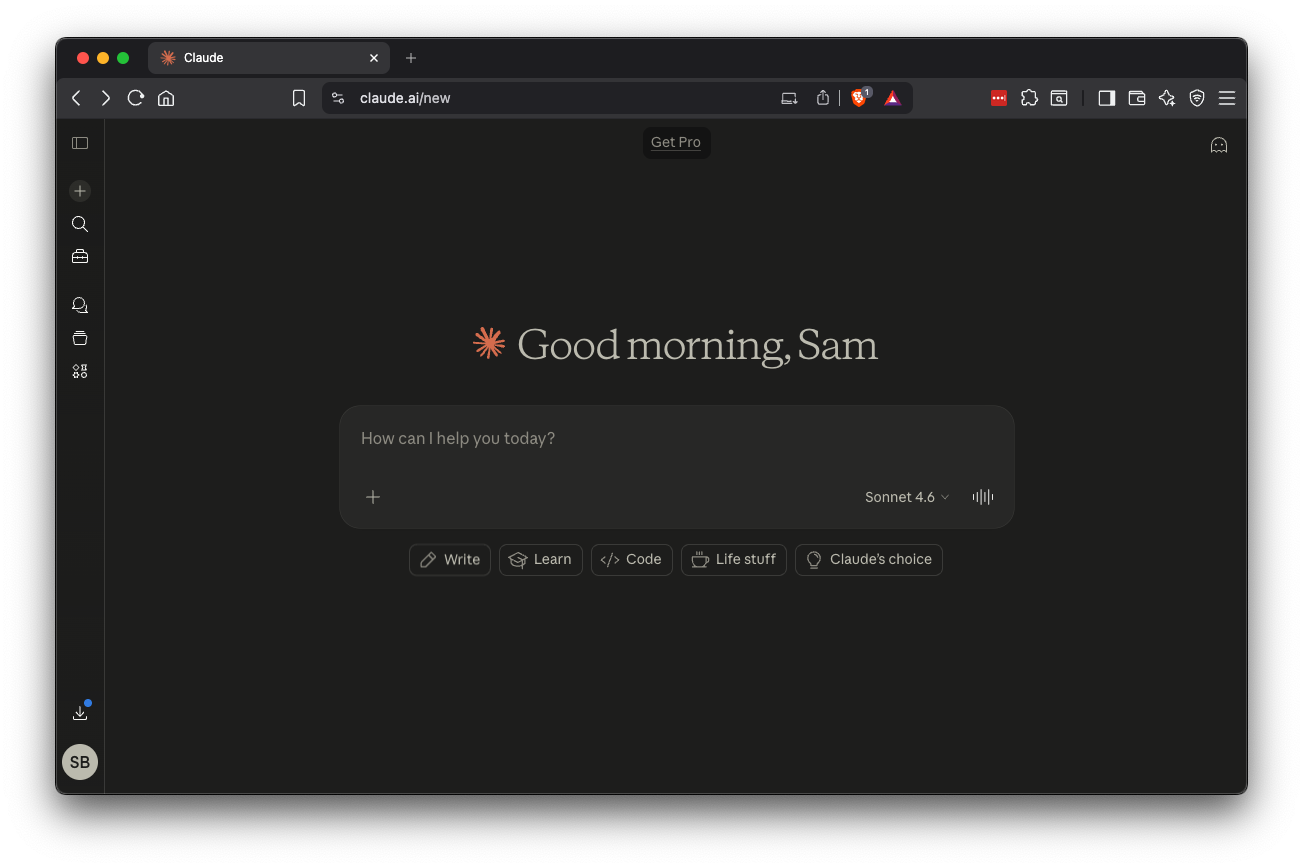
The Claude page opens, as shown below.
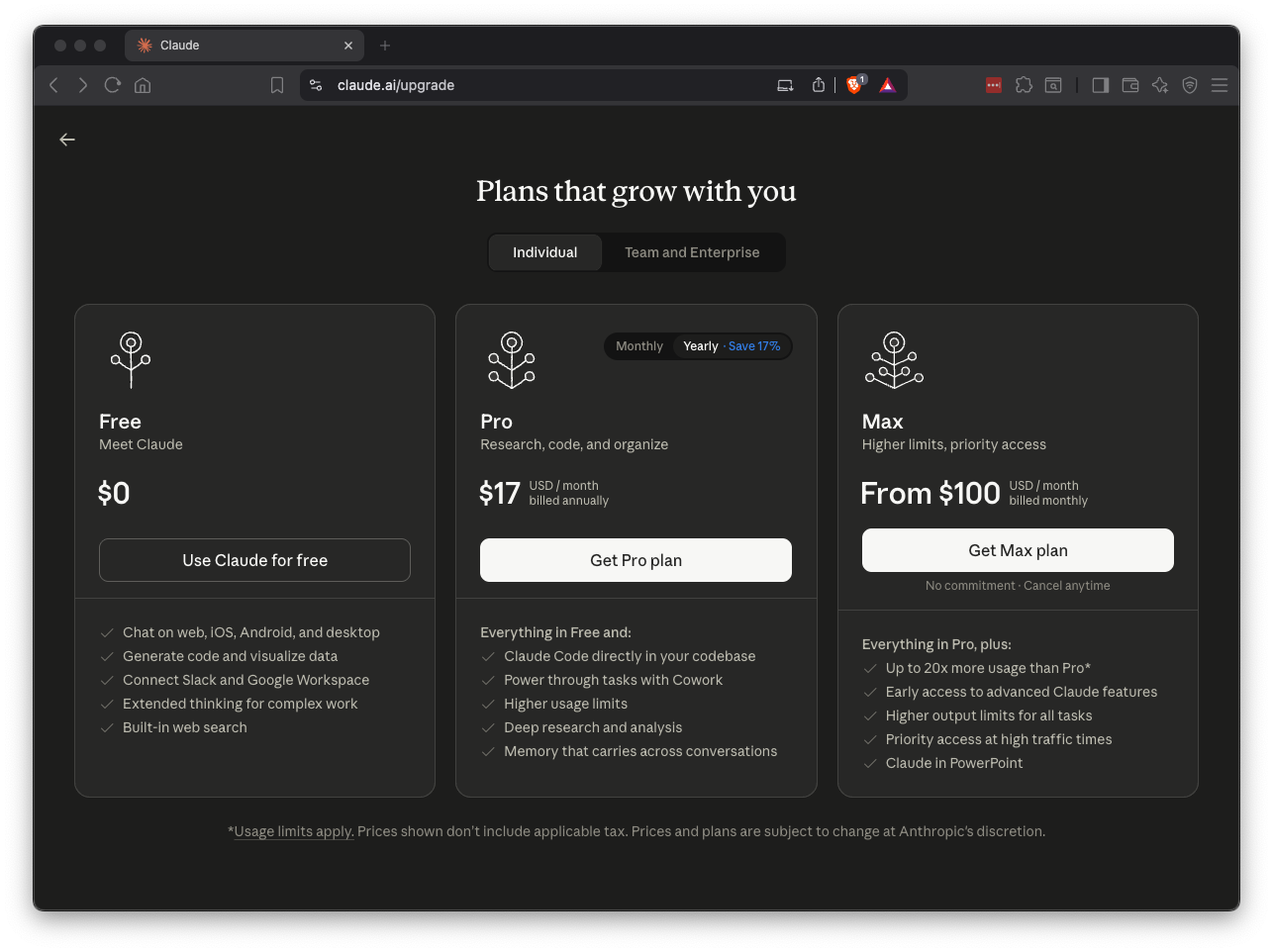
Purchase a month of the Pro plan, which cost $20 when I did it in April, 2026, as shown below.
Search for Settings and open it.
On the left side, click Power.
Set Screen Blank to Never.
Close Settings. On your Ubuntu machine, in a Terminal, execute these commands:
sudo apt update
sudo apt install curl -y
sudo apt install open-vm-tools-desktop -y
sudo reboot
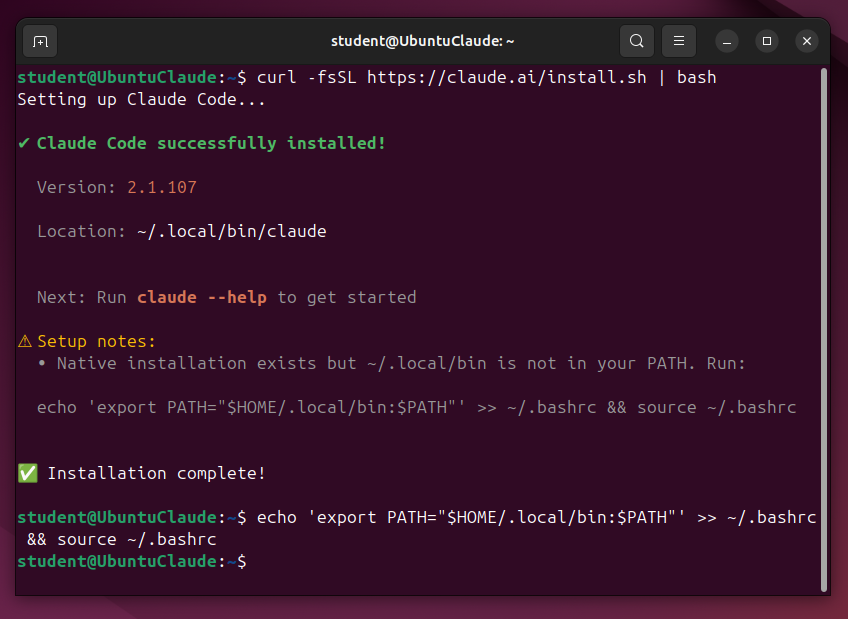
curl -fsSL https://claude.ai/install.sh | bash
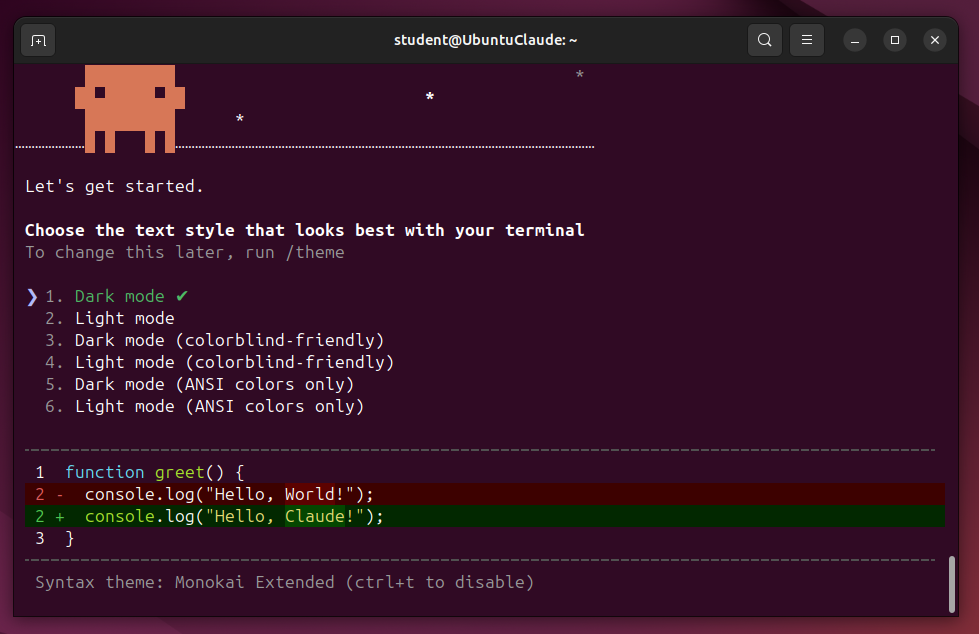
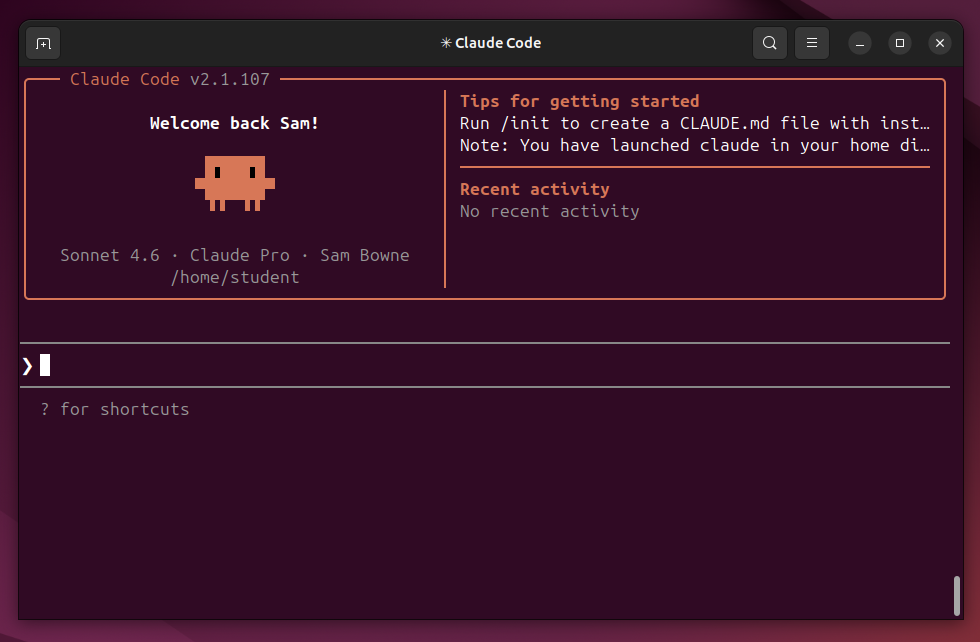
claude
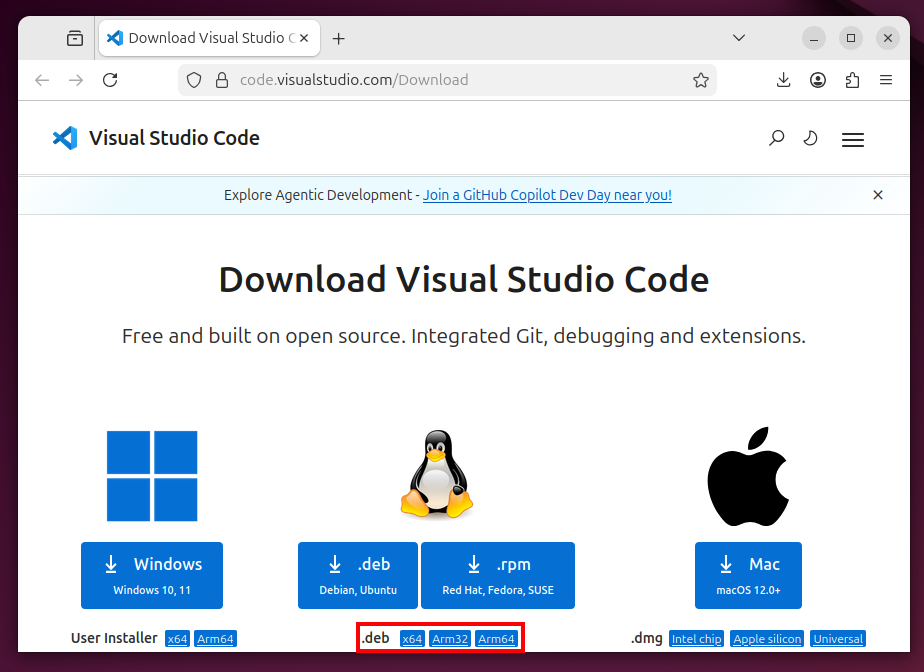
On this page, in the center section, download the appropriate .deb file, which will be either the x64 or ARM64 version, outlined in red in the image below.
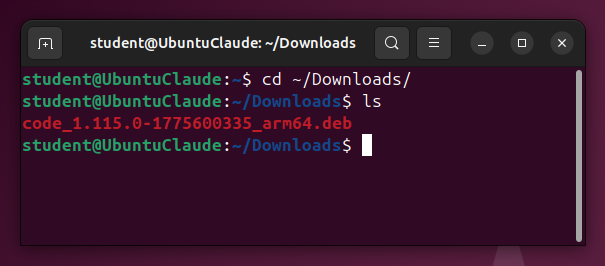
cd ~/Downloads
ls
sudo dpkg -i code*
Press Enter to reply "Yes".
VS Code installs, as shown below.
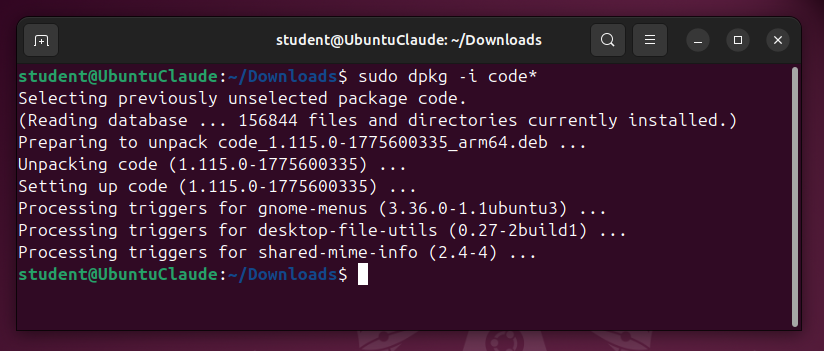
In the VS Code window, from the menu bar, click View, Extensions.
Search for "Claude Code".
In the "Claude Code for VS Code" box, click the blue Install button, as shown below.
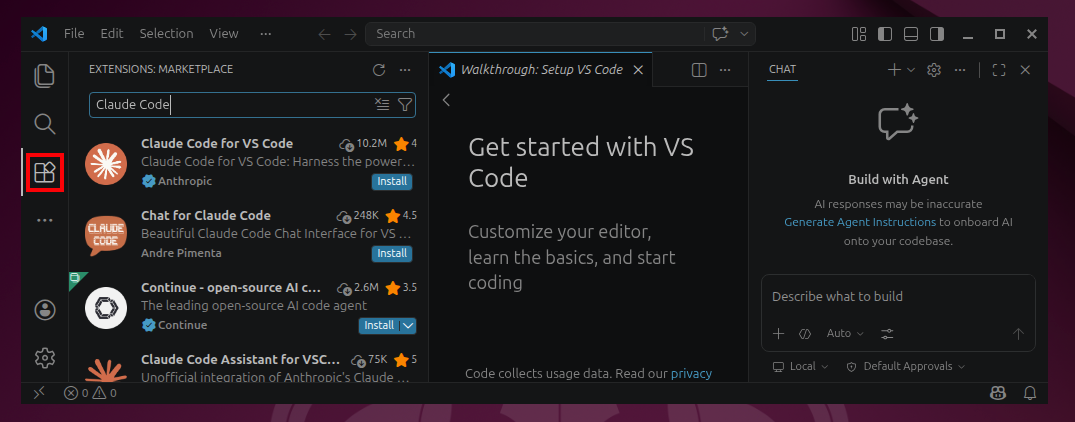
On the left side, click the Extensions icon, outlined in red in the image above, to close the Extensions pane.
In the Terminal pane, execute this command:
claude
Claude is now open within VS Code, ready to execute instructions, as shown below.
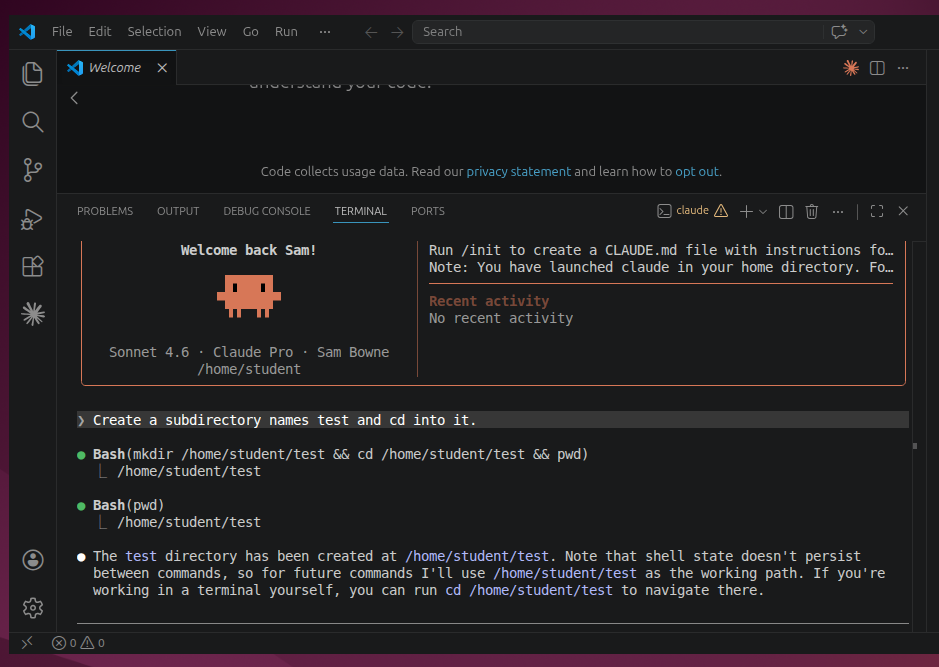
Create a subdirectory named test and cd into it.Confirm the command when you are prompted to.
Claude does it, as shown below.
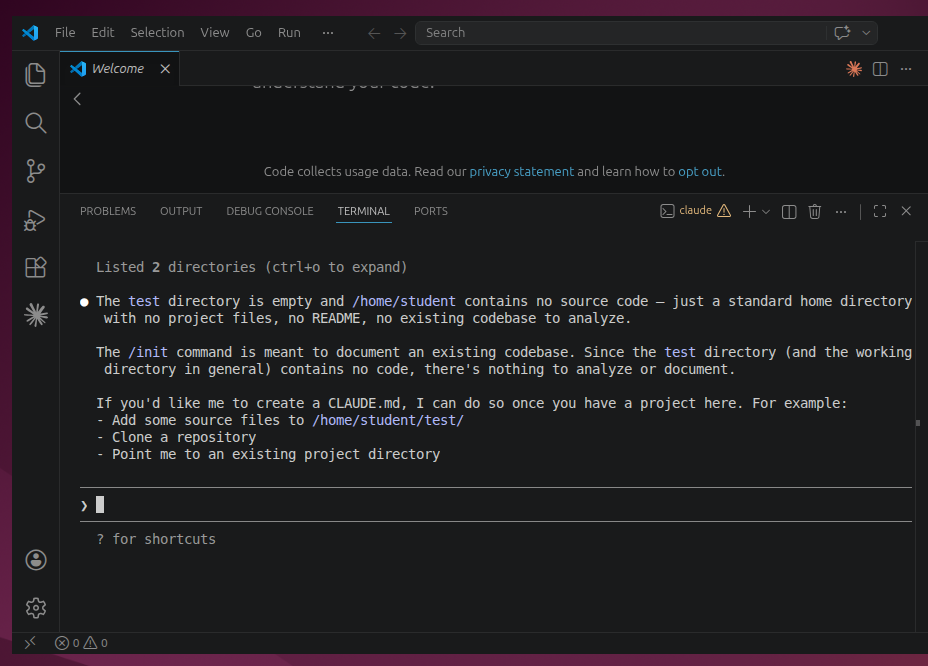
/initClaude tells you that it expects to find files in the directory to work from, as shown below.
Download this file and place it in the test directory: https://labs.cloudsecurityalliance.org/wp-content/uploads/2026/04/mythosready-20260413.pdfApprove the use of curl, using option 2 to not ask again.
/initClaude still complains that it lacks guidance.
Create a "project_overview.txt" file in the test directory, containing this text: I am a research assistant, analyzing files in this directory, helping the user summarize and query them.Approve the actions.
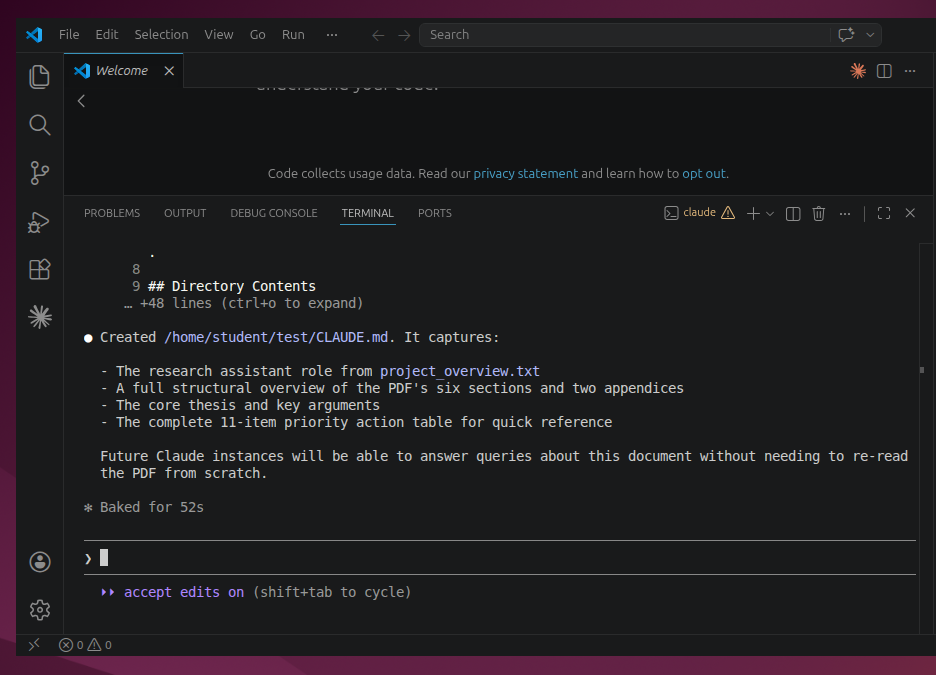
/initNow Claude understands what we are doing, and creates the CLAUDE.md file which serves as its memory, as shown below.
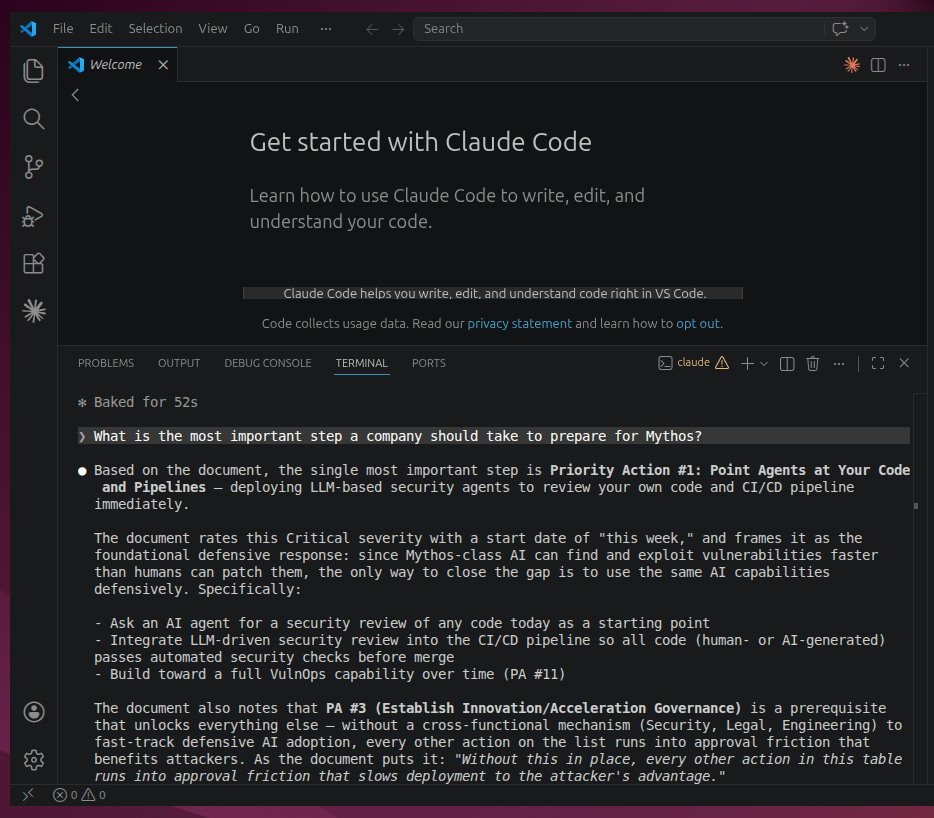
What is the most important step a company should take to prepare for Mythos?Claude gives an intelligent answer, as shown below.
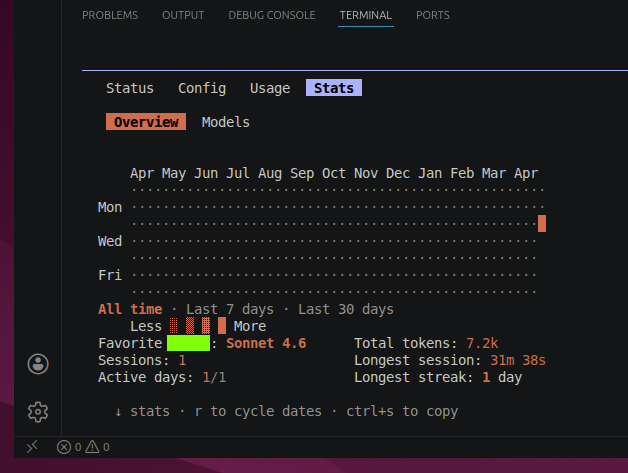
Flag ML 200.1: Stats (10 pts)
Send Claude this prompt:/statsThe flag is covered by a green rectangle in the image below.
Posted 4-14-26
Points changed to 20 4-23-26