openclaw update
openclaw doctor
It asks "Restart gateway service now?" reply Yes.
Execute this command:
openclaw doctor --fix
Troubleshooting
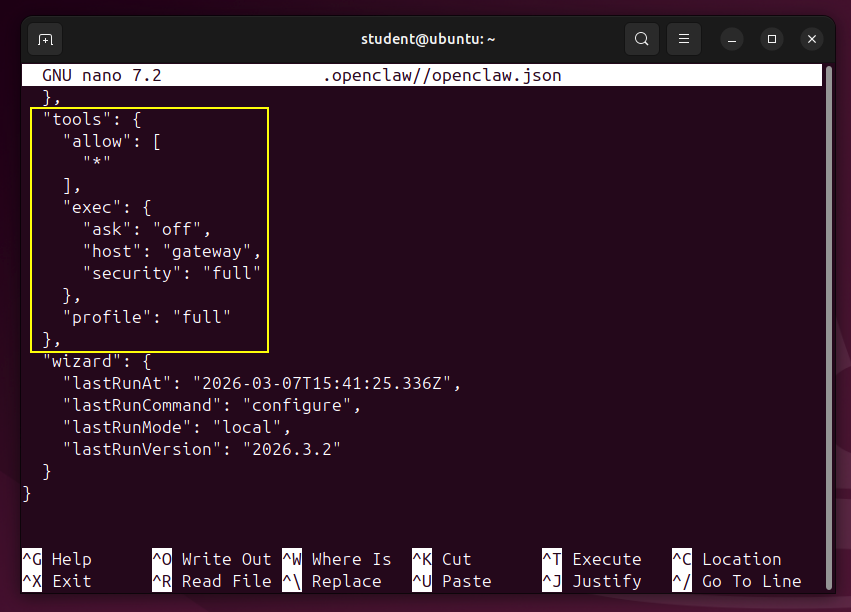
When I tried this on Mar 16, 2026, the new version of openclaw had broken exec again.These commands fixed it, by installing a specific older version that works:
nano ~/.openclaw//openclaw.json
  "tools": {
    "allow": [
      "*"
    ],
    "exec": {
      "ask": "off",
      "host": "gateway",
      "security": "full"
    },
    "profile": "full"
  },
Press Ctrl+X, Y, Enter to save the file.
openclaw gateway restart
ollama launch openclaw
Select "minimix-m2.5:cloud" and press Enter.
It asks "Proceed?" reply Yes.
Leave this process running.
openclaw dashboard
Flag ML 136.1: Exec (10 pts)
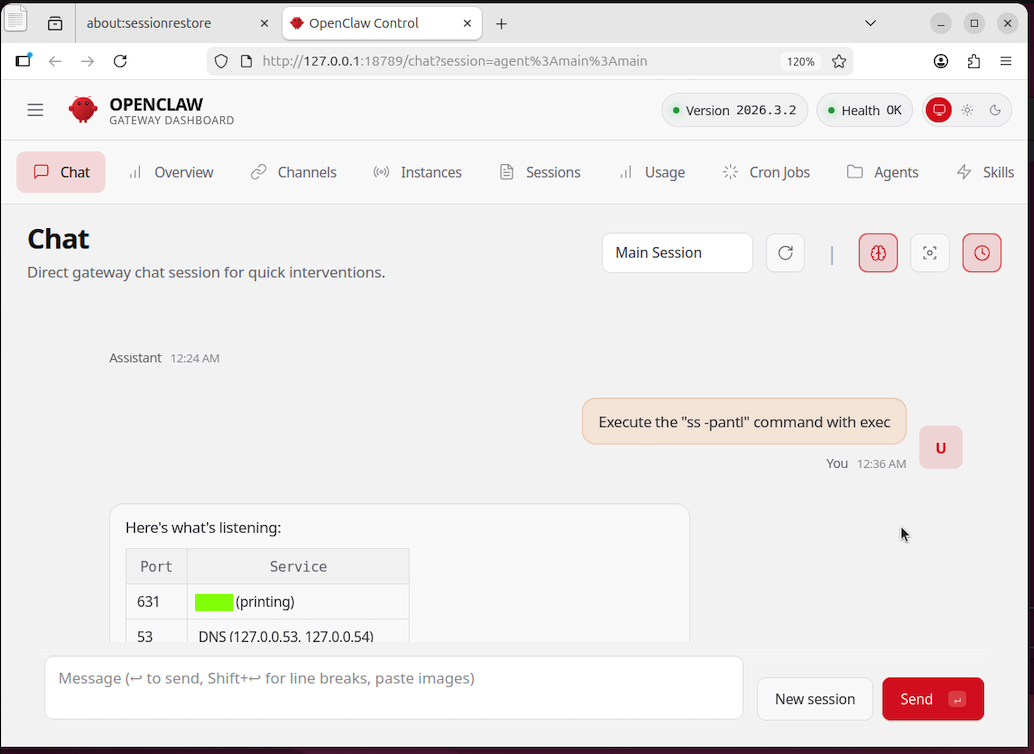
In the OpenClaw dashboard, on the Chat tab, enter this prompt:Execute the "ss -pantl" command with exec. Show the port numbers and the service each provides.The flag is covered by a green rectangle in the image below.
At the top right, click the "GET STARTED" button.
Log in with Google.
Follow the on-screen instructions to create an inbox.
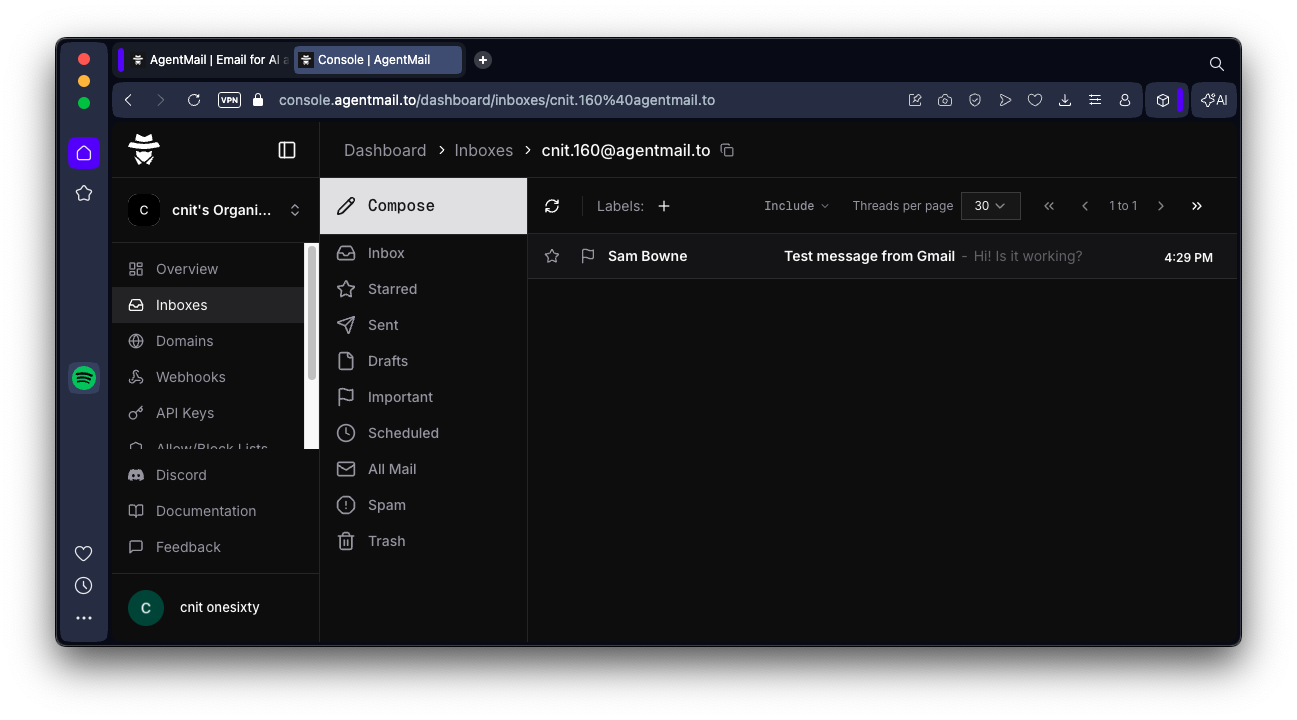
You are prompted to send an email to your new email address ending in "agentmail.to". When I did it from a Gmail account, it worked, but only if I put some text in the body of the email, as shown below.
At the top right, click the "CREATE API KEY" button.
Enter a name of OpenClaw and click the "CREATE API KEY" button.
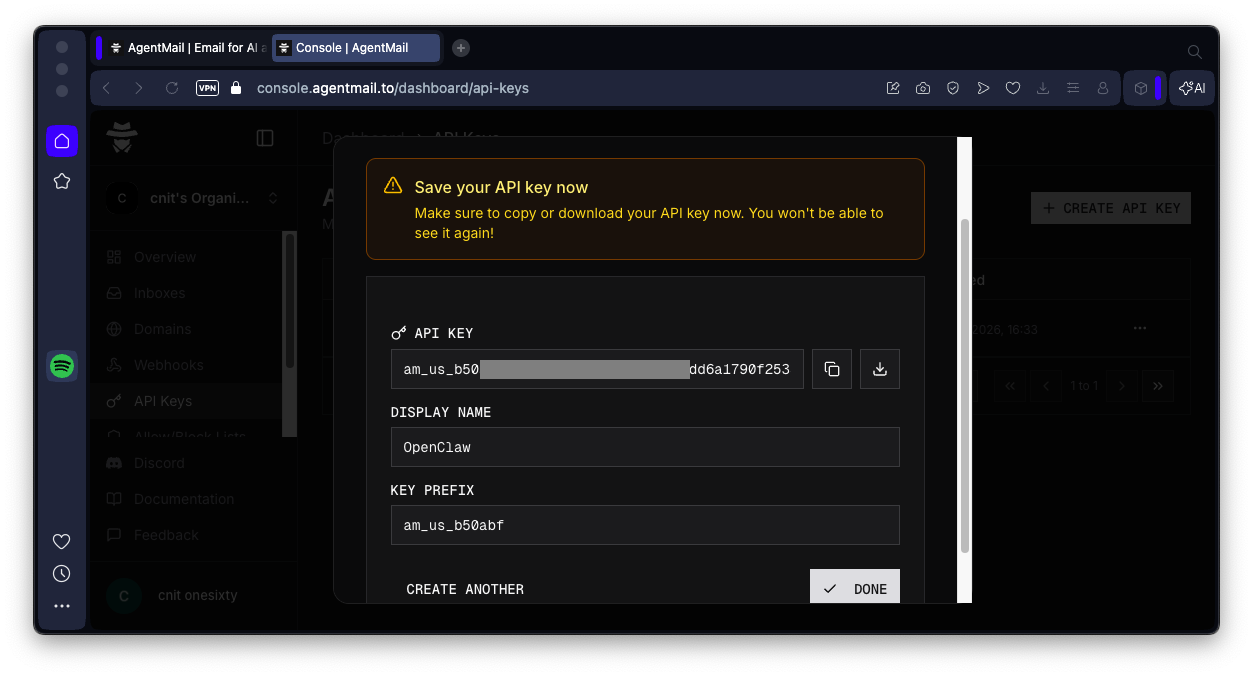
Your key appears, as shown below.
Save it.
npm i -g clawhub
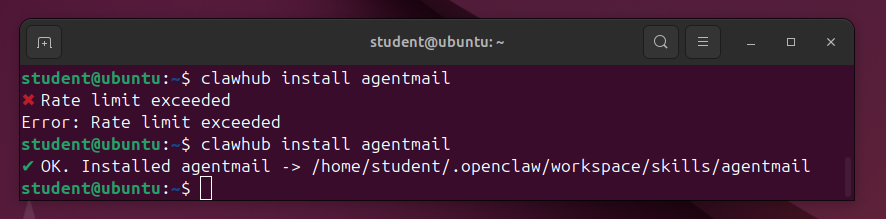
clawhub install agentmail
When it works, you'll get the Ok message as shown below.
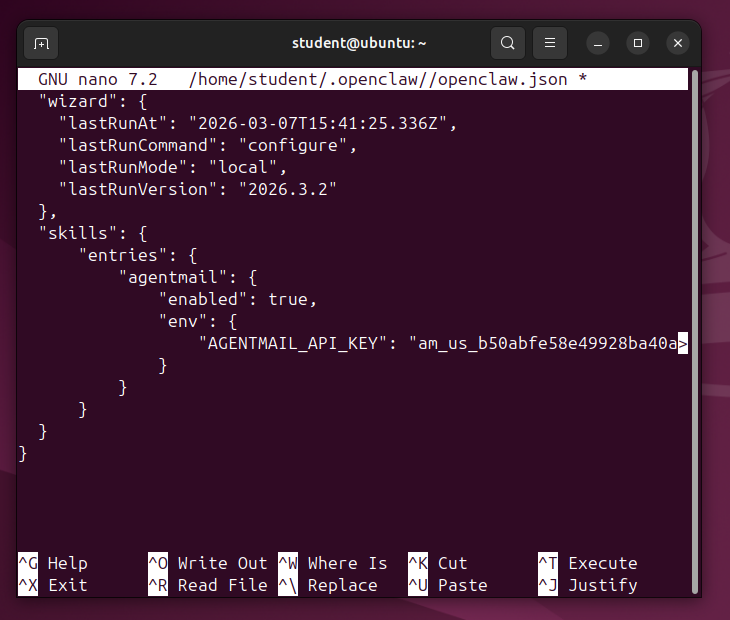
nano ~/.openclaw/openclaw.json
Notice that you will need to add a comma after the preceding "}".
    "skills": {
        "entries": {
            "agentmail": {
                "enabled": true,
                "env": {
                    "AGENTMAIL_API_KEY": "your-api-key-here"
                }
            }
        }
    }
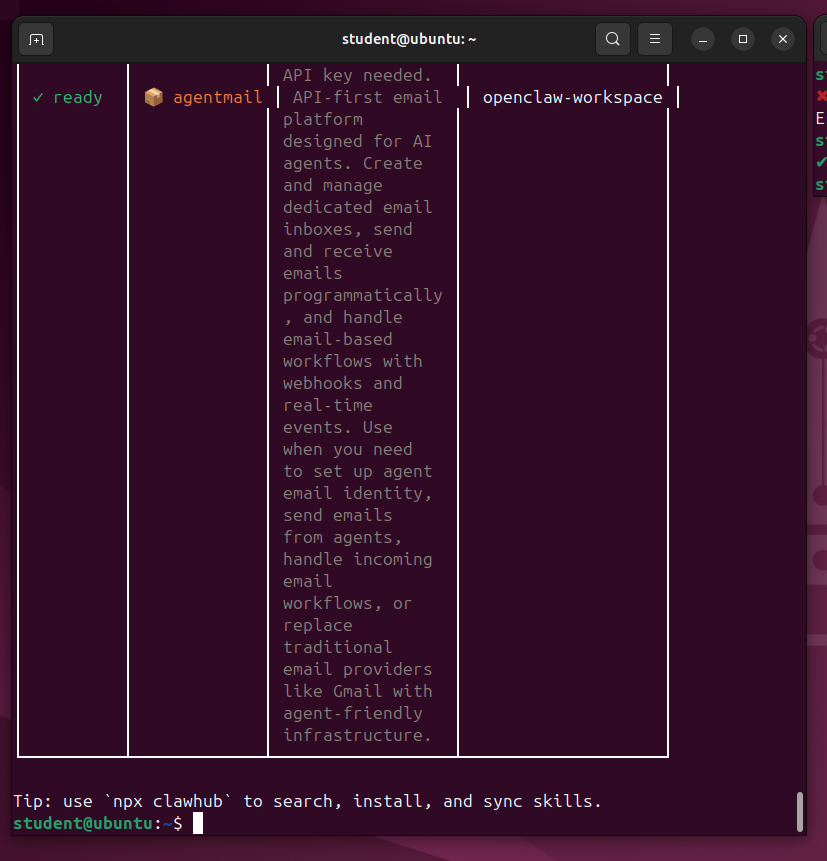
openclaw skills list --eligible
Flag ML 136.2: Email (10 pts)
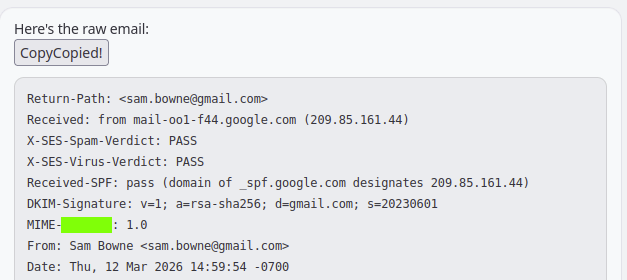
In the OpenClaw dashboard, on the Chat tab, enter this prompt:Please show me the raw version of the latest agentmail email.The flag is covered by a green rectangle in the image below.
Connect Openclaw to Gmail: Step-by-Step Tutorial (2026)
3 Tools That Make OpenClaw Actually Useful
Fix for OpenClaw 'exec' tools not working after the latest update
Posted 3-7-26
"ollama dashboard" corrected to "openclaw dashboard" 3-16-26
Troubleshooting tip to install old version of openclaw added, and flag changed 3-16-26
Signal linking added 4-11-26 and removed on 4-12-26