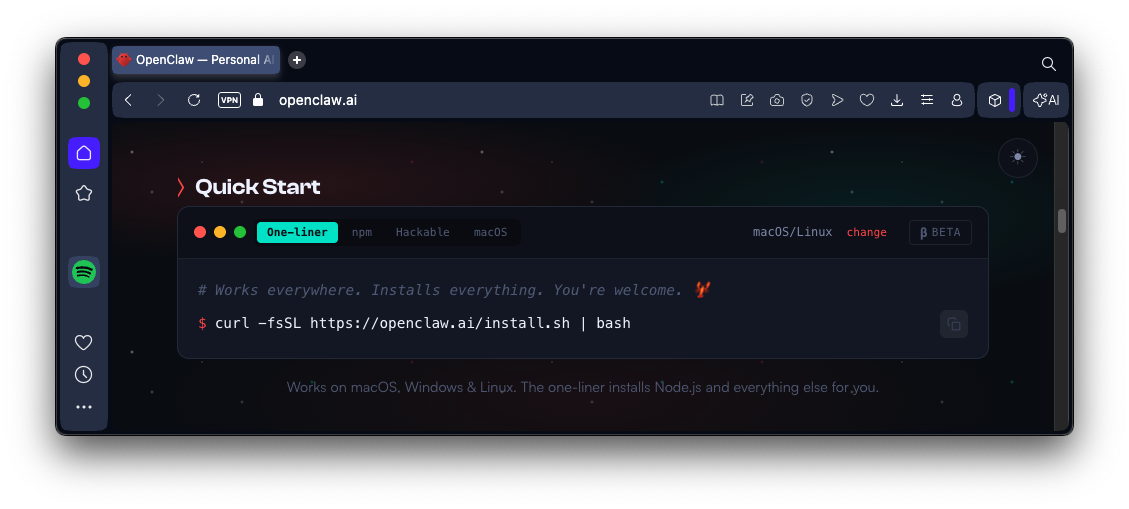
Scroll down to the "Quick Start" section, as shown below.
On your Ubuntu desktop, in a Terminal, paste in that command and press Enter.
Type your password when you are prompted to.
Wait while software downloads and installs.
When the installation is done, it starts asking you questions, as shown below.
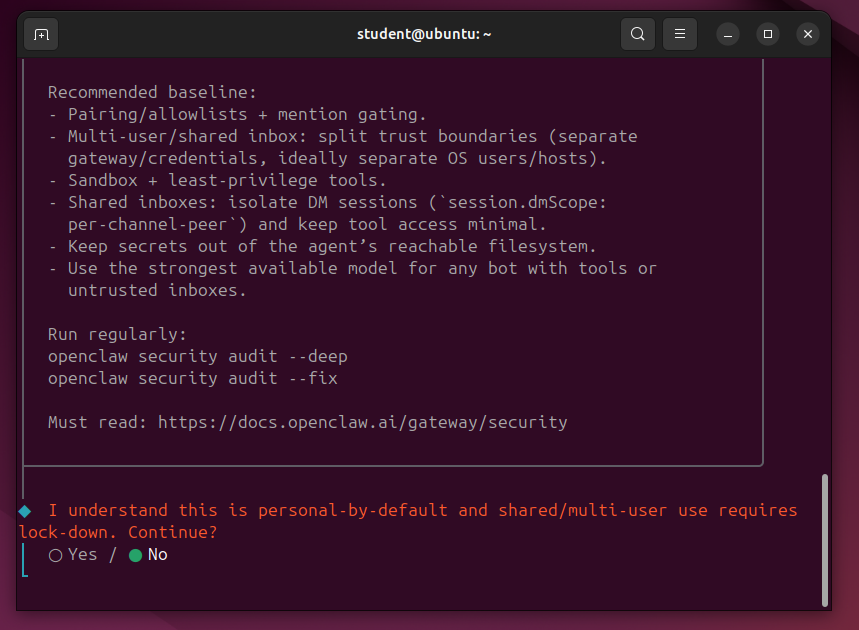
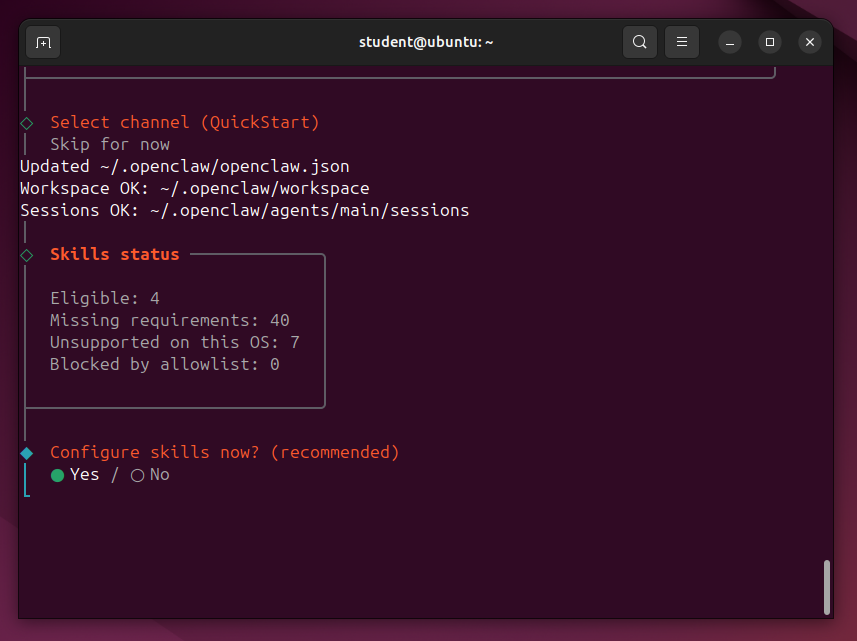
At the bottom of the screen, it asks "Enable hooks?". Press the SPACEBAR to select "Skip for now" and press Enter.
An error message appears, as shown below.

echo export PATH="/home/student/.npm-global/bin:$PATH" >> ~/.bashrc
source ~/.bashrc
openclaw gateway
Open a new Terminal and execute this command:
openclaw dashboard
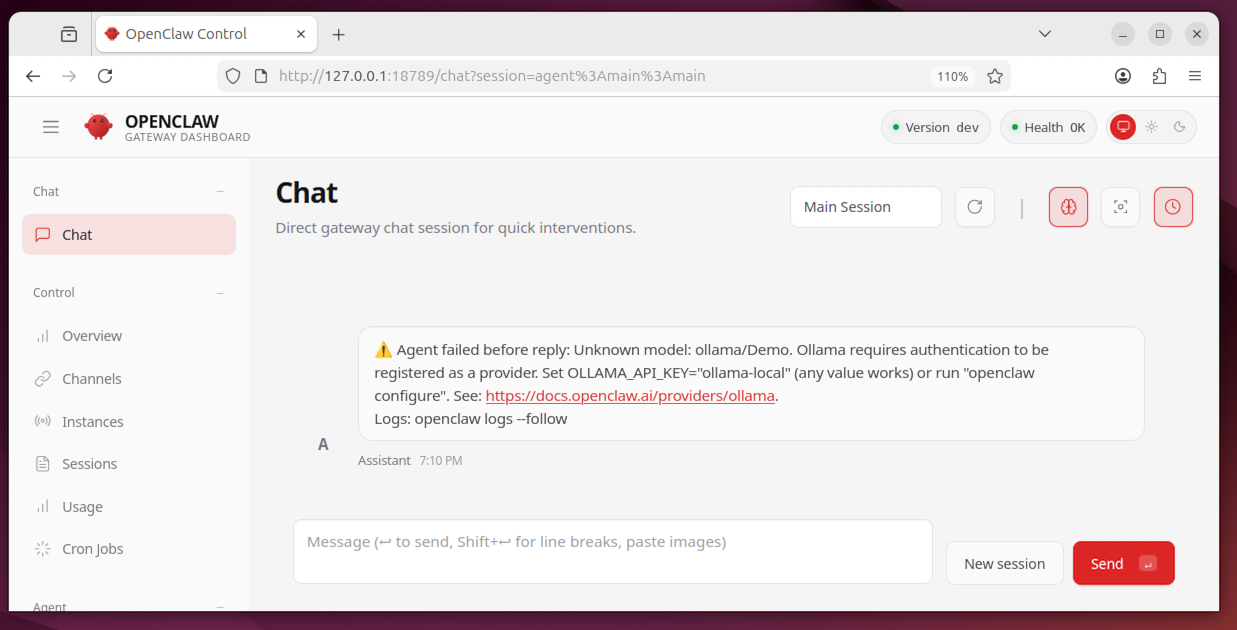
The agent fails with an error message, as shown below.
This is because we haven't configured a LLM model yet.
It can also act as a proxy for a cloud model, which is what we'll use it for.
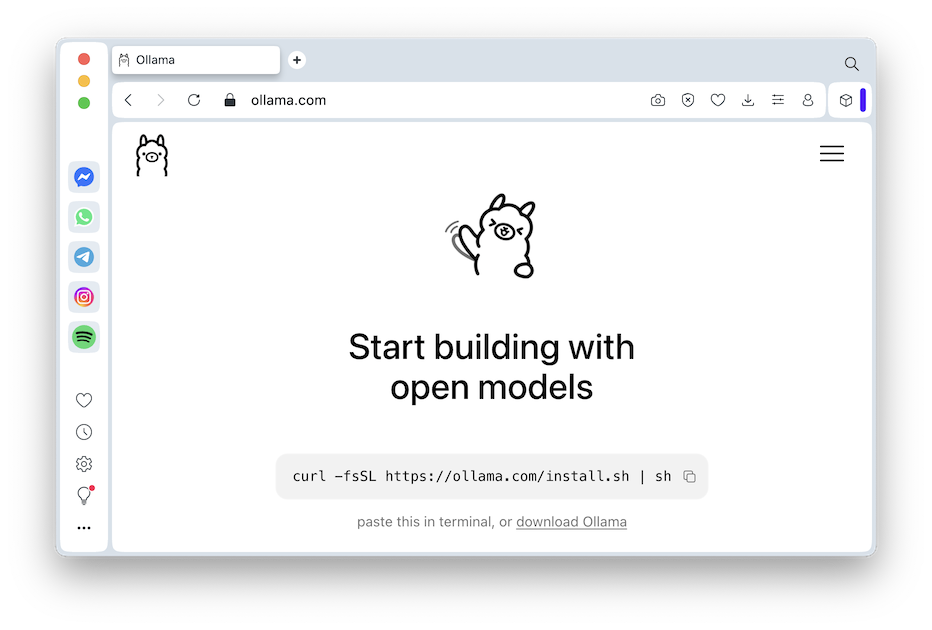
In a web browser, go to https://ollama.com/.
Copy the command shown in the box, as shown below.
Type your password when you are prompted to.
Wait while software downloads and installs.
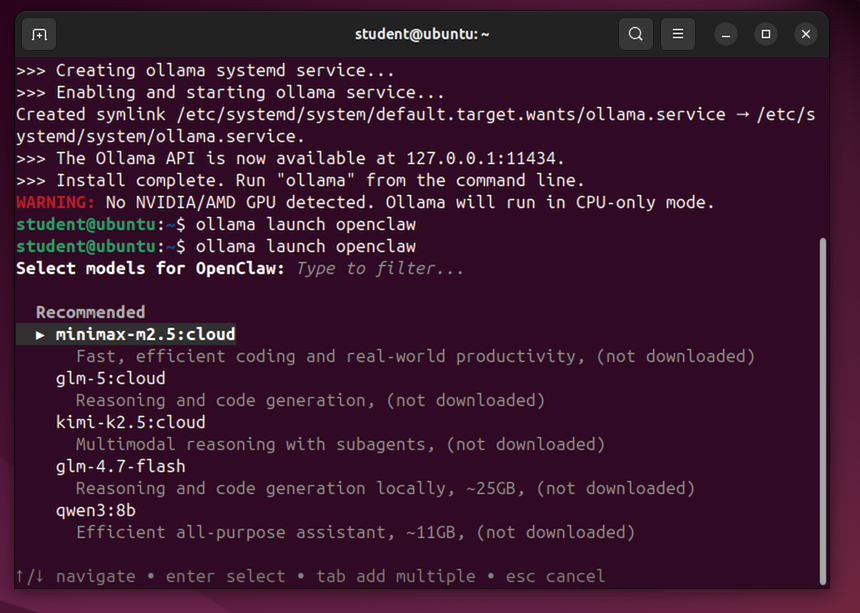
ollama launch openclaw
Select "minimix-m2.5:cloud" and press Enter.
Say Yes.
An ollama login page appears in Firefox.
Log in with Google, using a throwaway Google account, NOT your real main account.
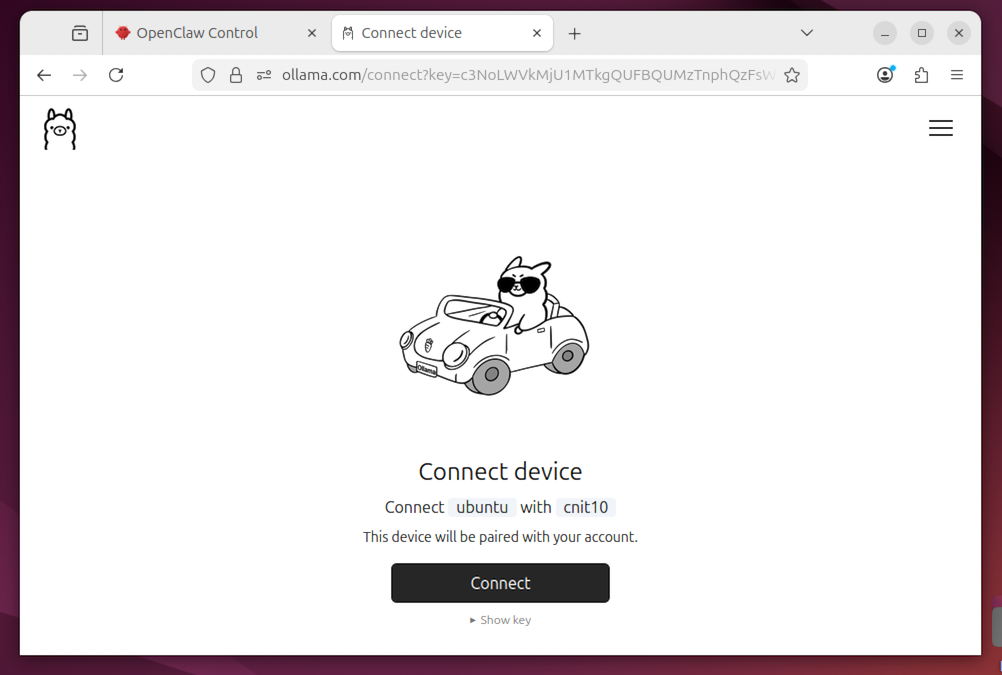
A page offers to connect OpeClaw to your Google account, as shown below.
Click Connect.
You see the message shown below, and the question "Proceed?".
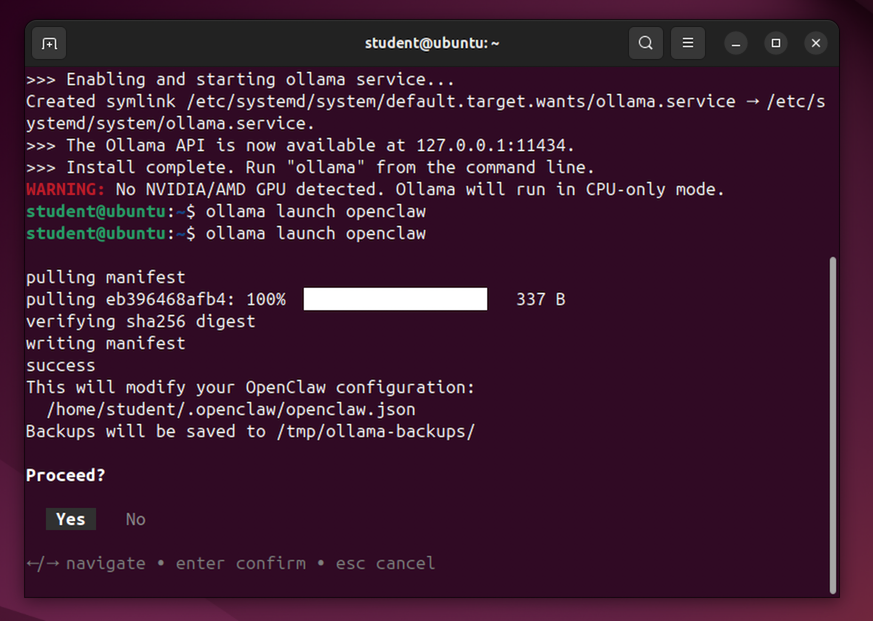
It says "I understand the risks."
Tell it Yes.
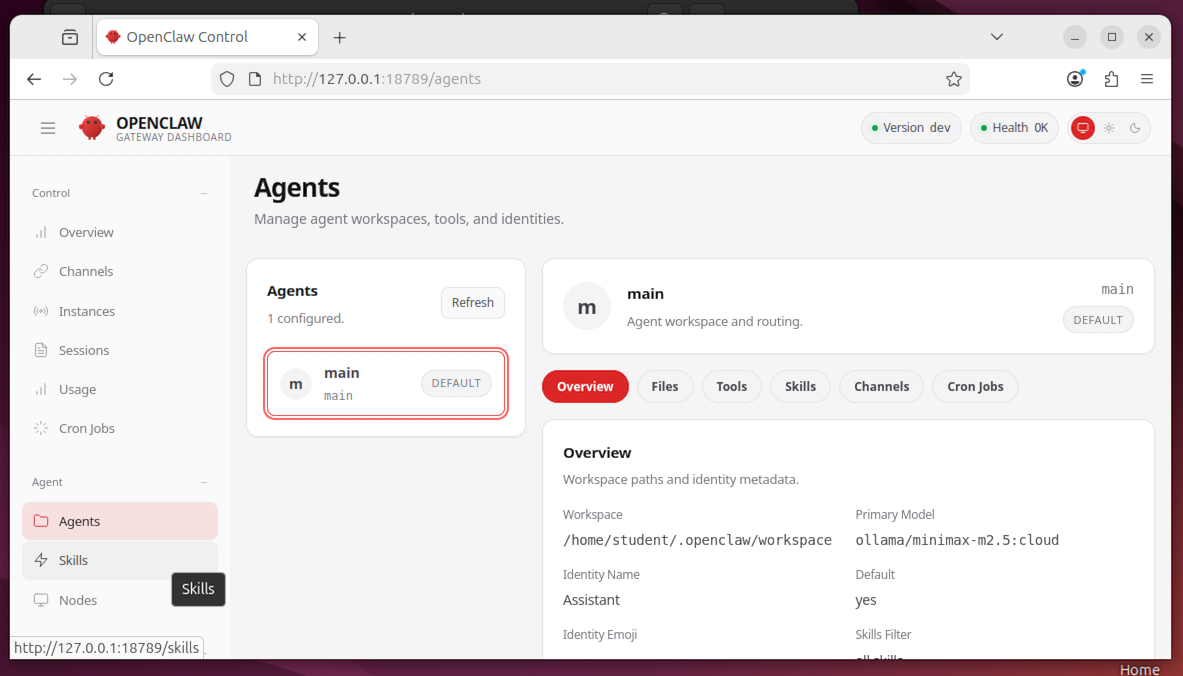
In the left pane, scroll down and click Agents.
You see the minimax agent, as shown below.
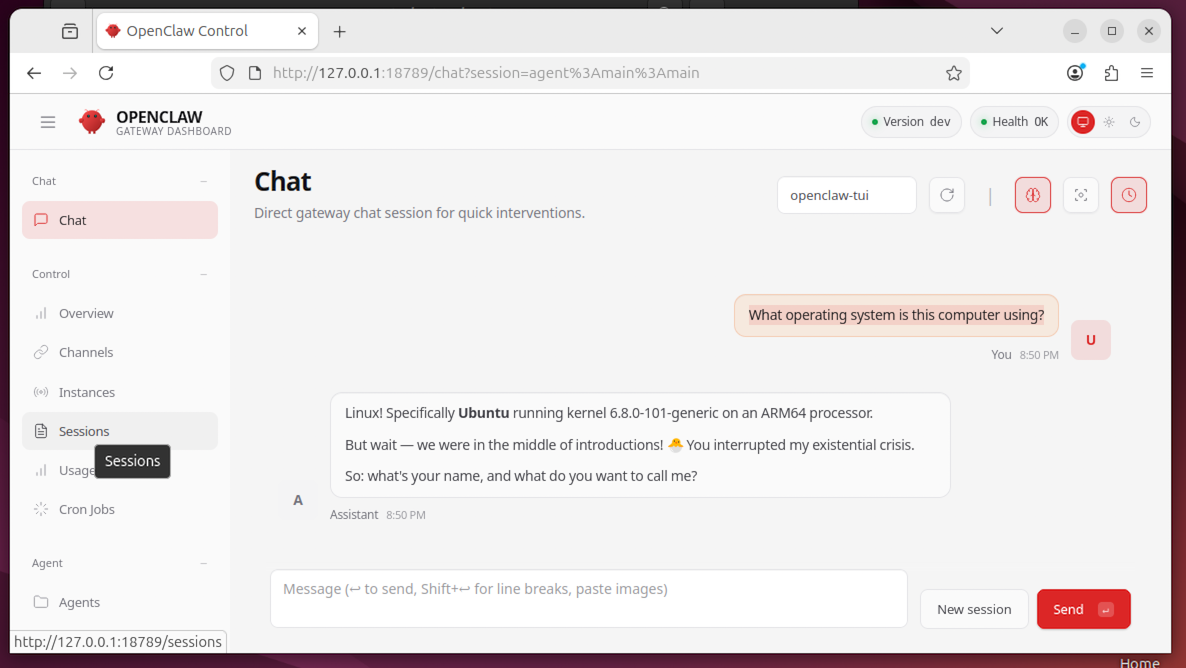
Enter this prompt:
What operating system is this computer using?You see a sensible answer, as shown below.
The agent is working!
Posted 3-3-26
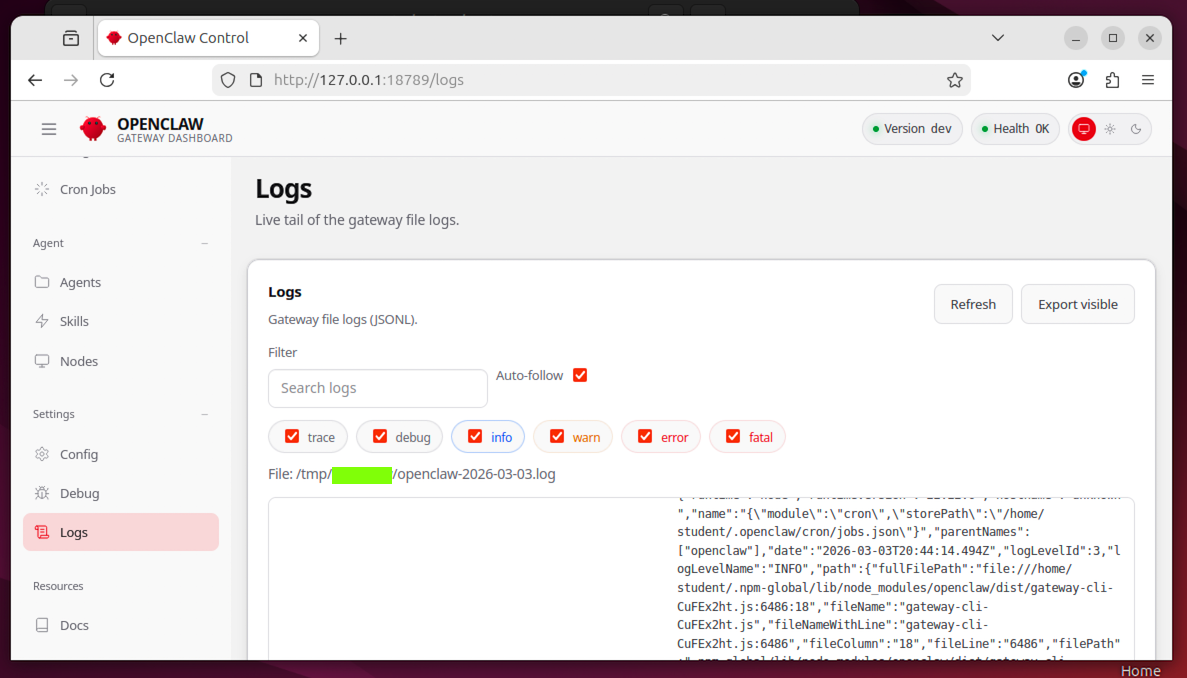
Flag ML 135.1: Logs (15 pts)
On the left side, click Logs.The flag is covered by a green rectangle in the image below.