At the top right, click the Login button.
Use one of the login methods, such as Google, or click the "New to CodinGame? Create your account" link athe the bottom to create an account using an email address and a password.
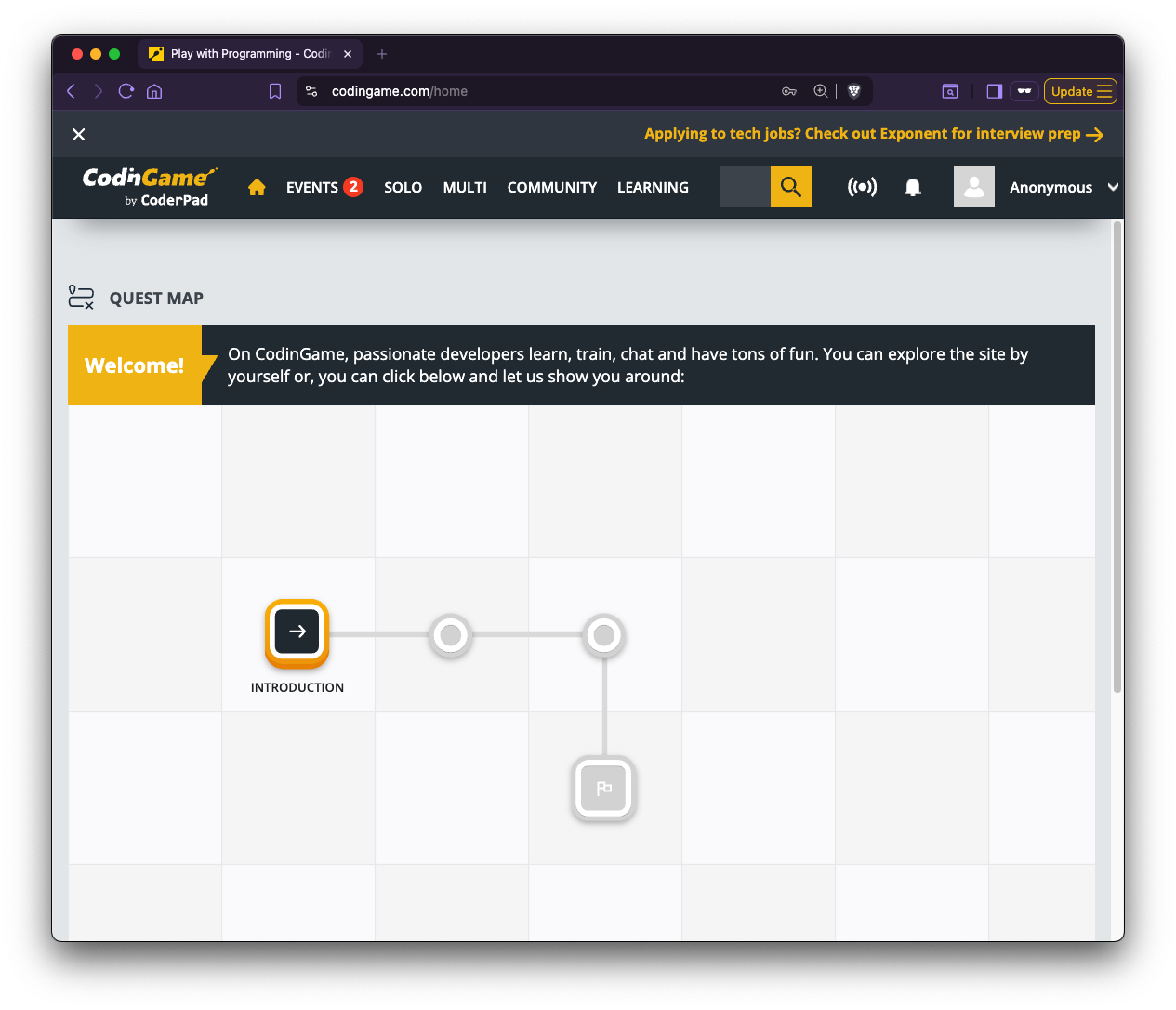
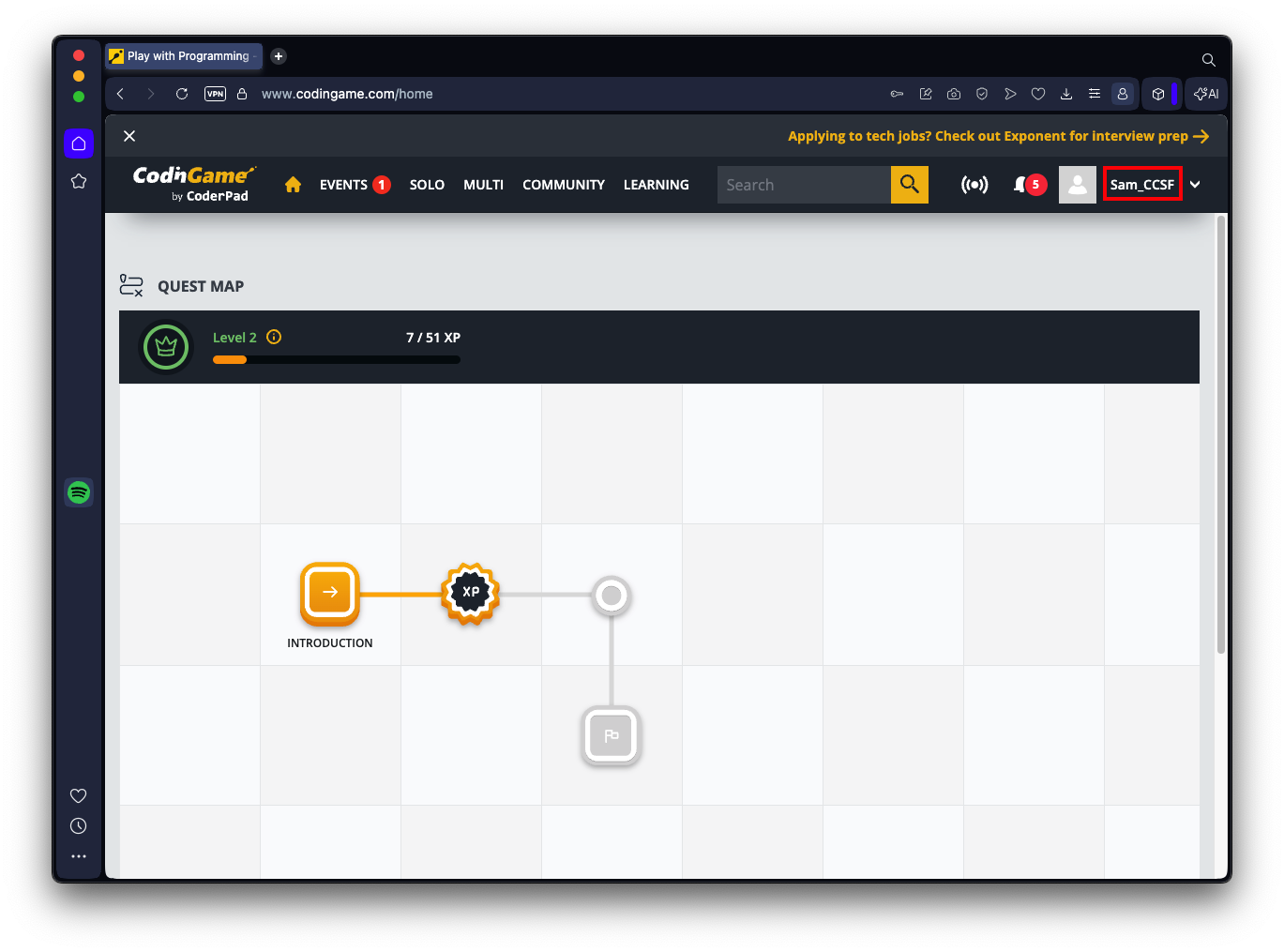
You see a QUEST MAP, as shown below.
At the bottom right, it asks "Are you a professional coder?". Click No.
A survey appears. Answer it any way you like or click Skip.
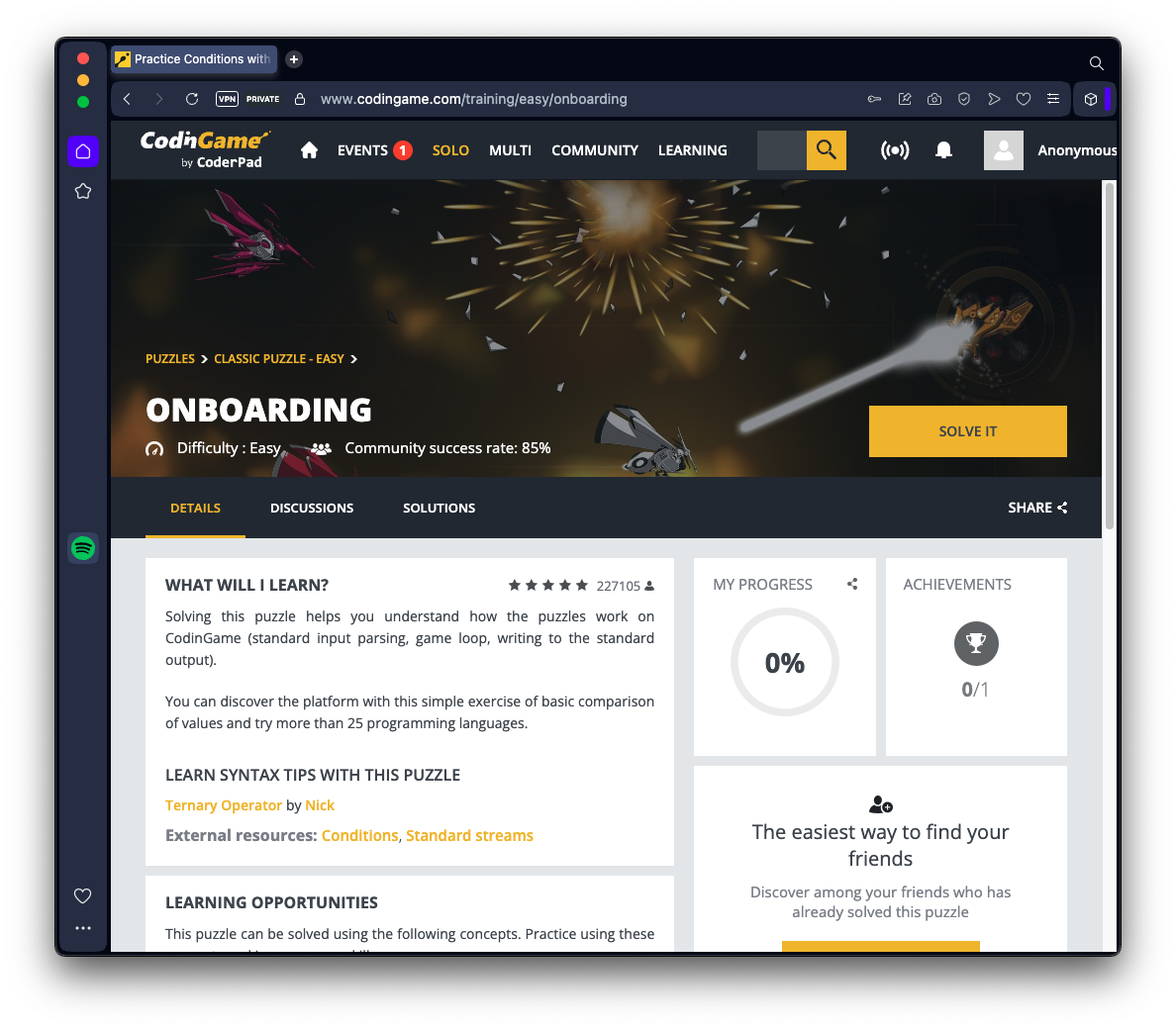
Scan the text on this page, and, on the right side, click the yellow SOLVE IT button.
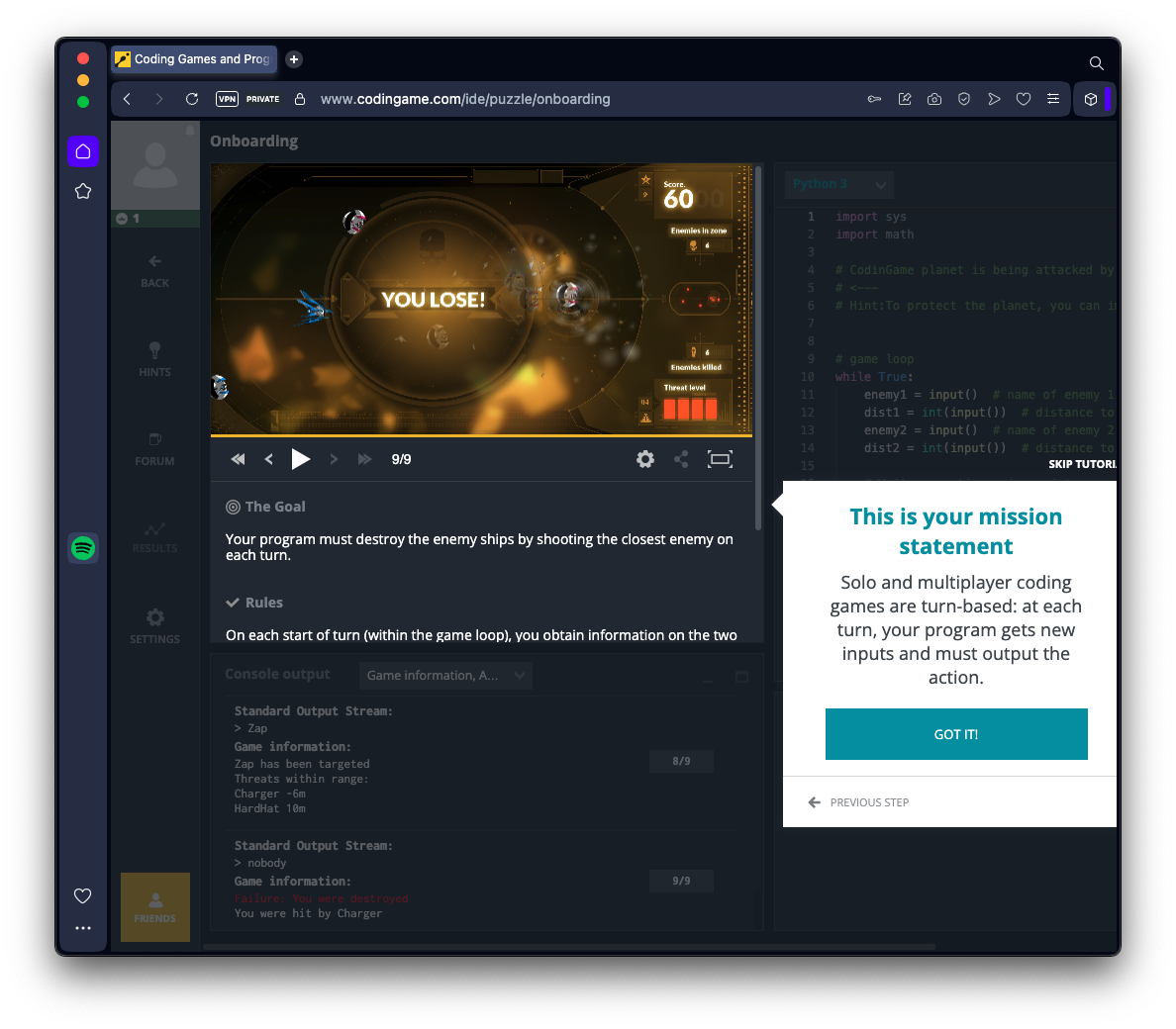
When you complete the puzzle, click "BACK TO HOME".
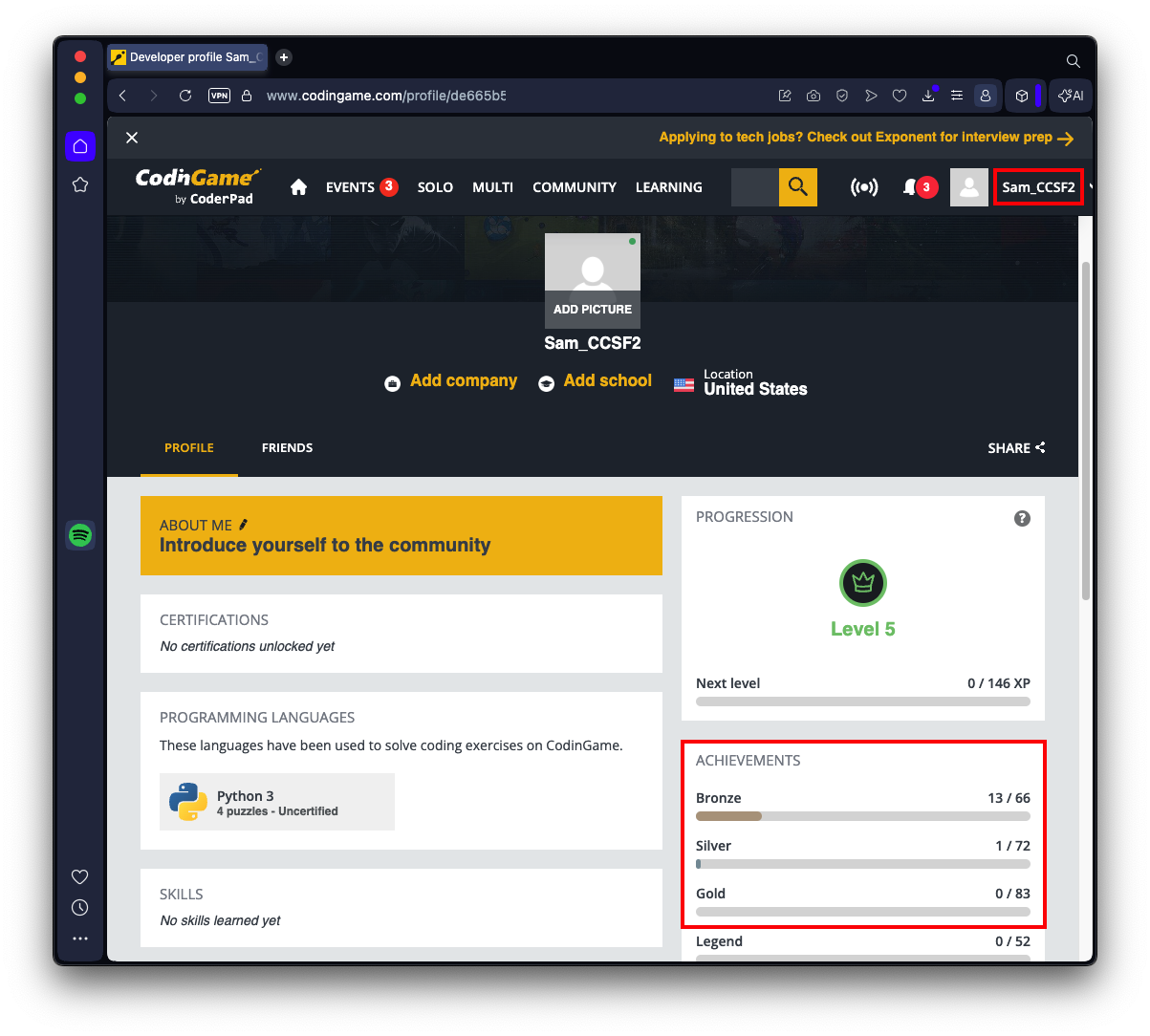
In the second bubble, you can choose a nickname, which will now appear on your screen at the top right, outlined in red in the image below.
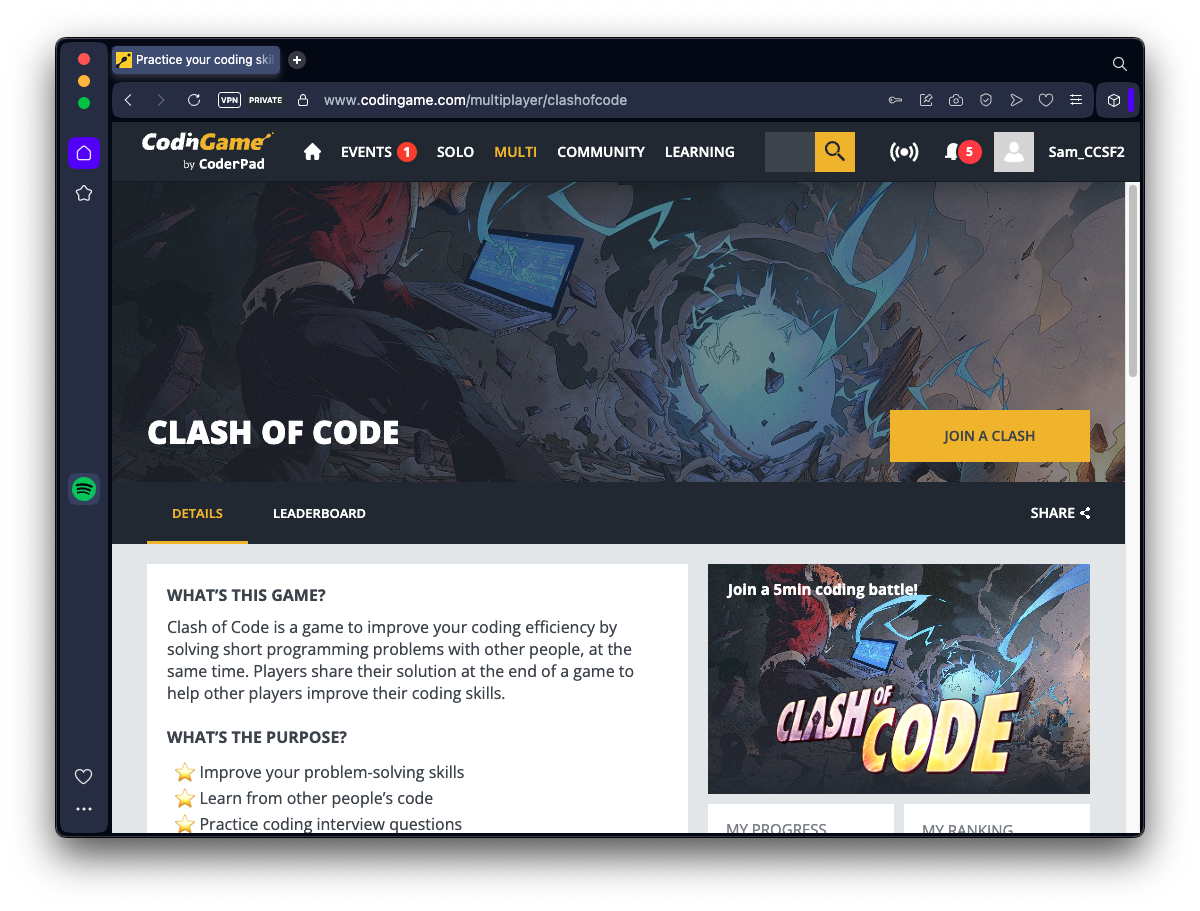
You see the CLASH OF CODE page, as shown below.
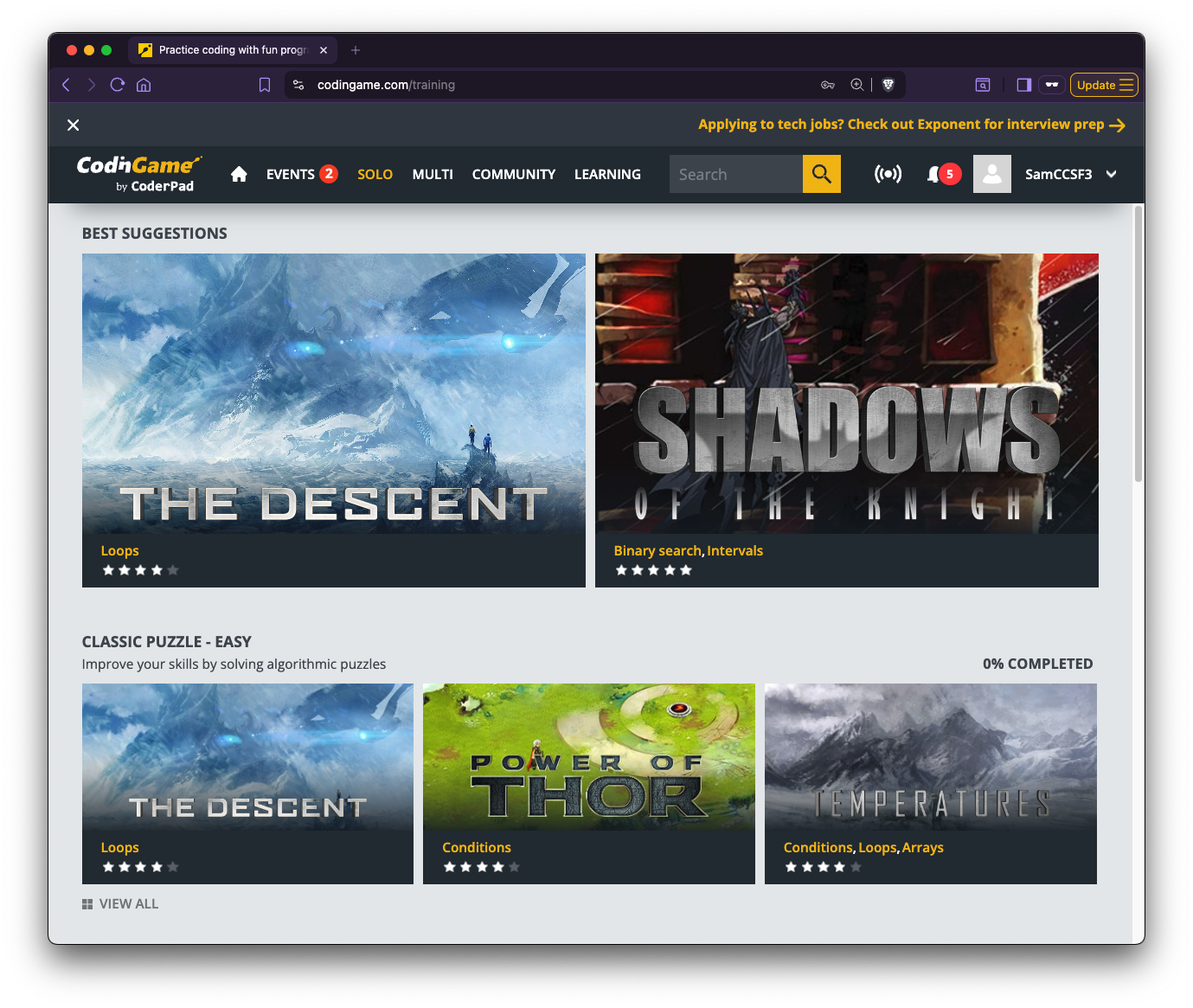
Start with THE DESCENT. Explore the DETAILS, DISCUSSIONS, and HINTS for help.
Collecting Your Points
To see your progress, at the top right, point to your name and click PROFILE.Your Achievements appear. In the image below, I have solved 13 Bronze and 1 Silver Achievements.
Make sure the two items outlined in red are visble: your name, and your Achievements.
Upload your image into Canvas into the Bronze@10 assignment.
You will earn points, like this:
- Bronze: 10 pts each
- Silver: 20 pts each
- Gold: 30 pts each
- Legend: 50 pts each
Updated 6-29-26