In this project, you will complete the official training course and get certified as a FortiGate Operator.
Click the Public authentication method.
Click the "CREATE ACCOUNT" button.
Enter any email you prefer to use.
DO NOT select the “I am a government user” option.
Click the "CREATE ACCOUNT" button.
Complete the CAPTCHA.
Click the "Send Email Verification Code" button.
Read your email to find the code and enter it into the Fortigate page. Click NEXT.
Choose a password and enter it twice. Click NEXT.
On the next page, you need to fill in a name and other information. You can use a false name, but enter a Country of "UNITED STATES". Click SUBMIT.
Agree to the Terms and click ACCEPT.
Click COMPLETE.
You see a login page. Ignore it and go to the next section.
Click the Public authentication method.
Log in with the email and password you chose. You will need to get a verification code from your email each time you log in.
FortiGate 7.6 Operator Self-Paced" course, as shown below.
Click "Enroll Now".
Click English.
You see a description of the course, as shown below.
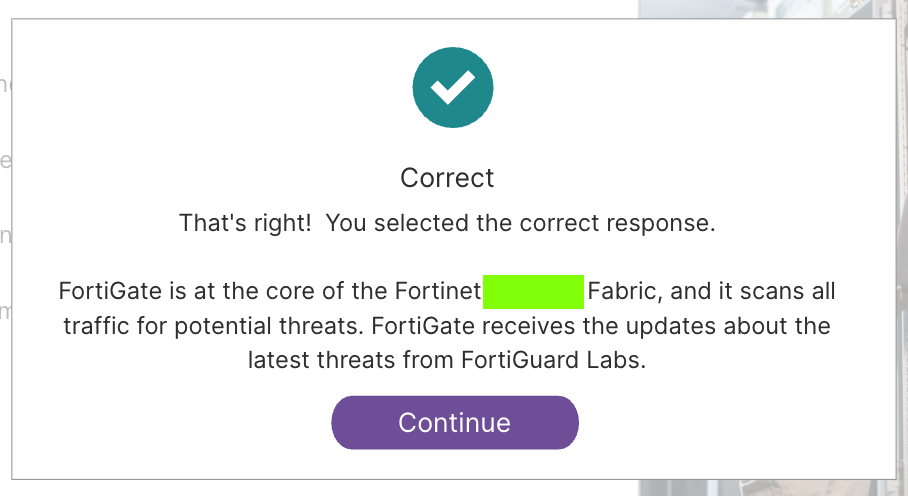
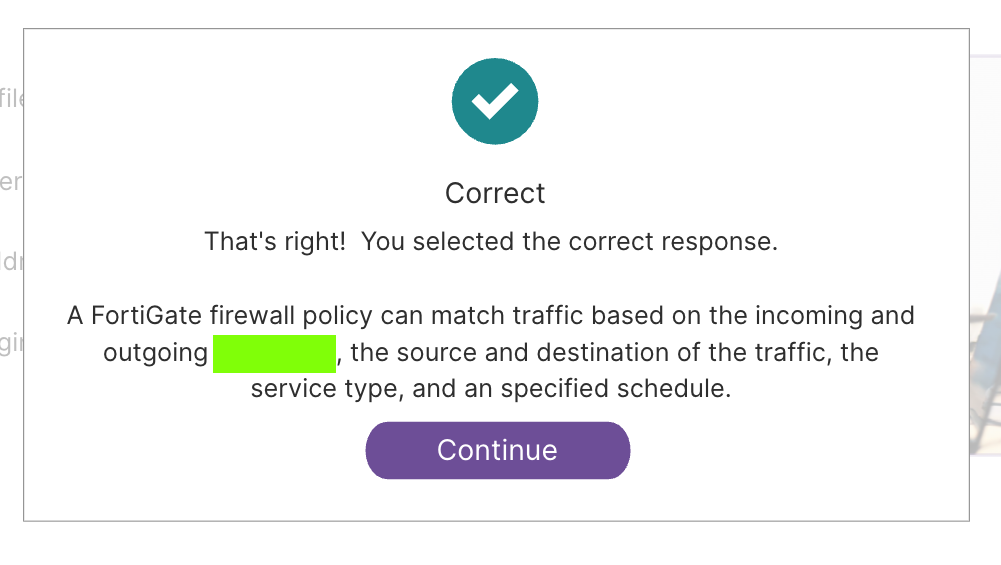
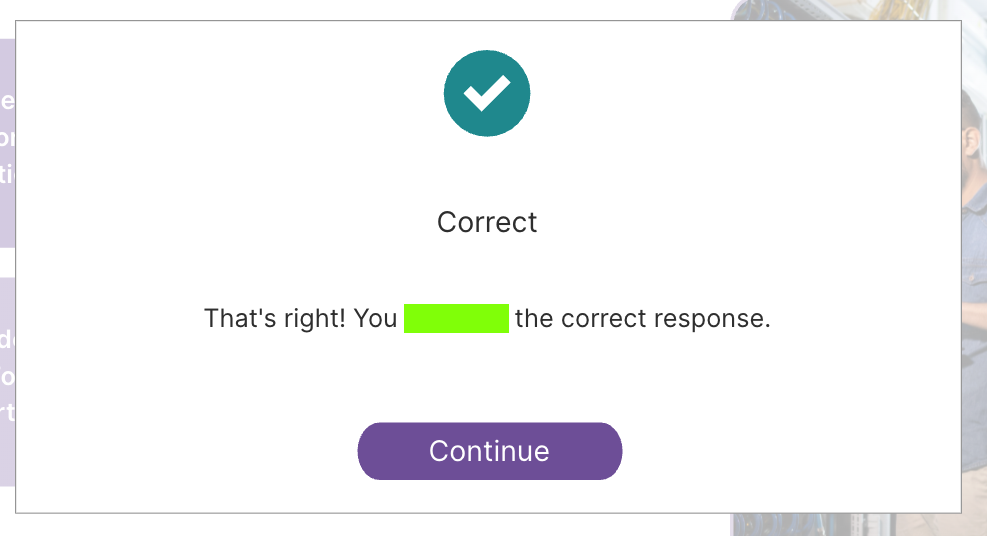
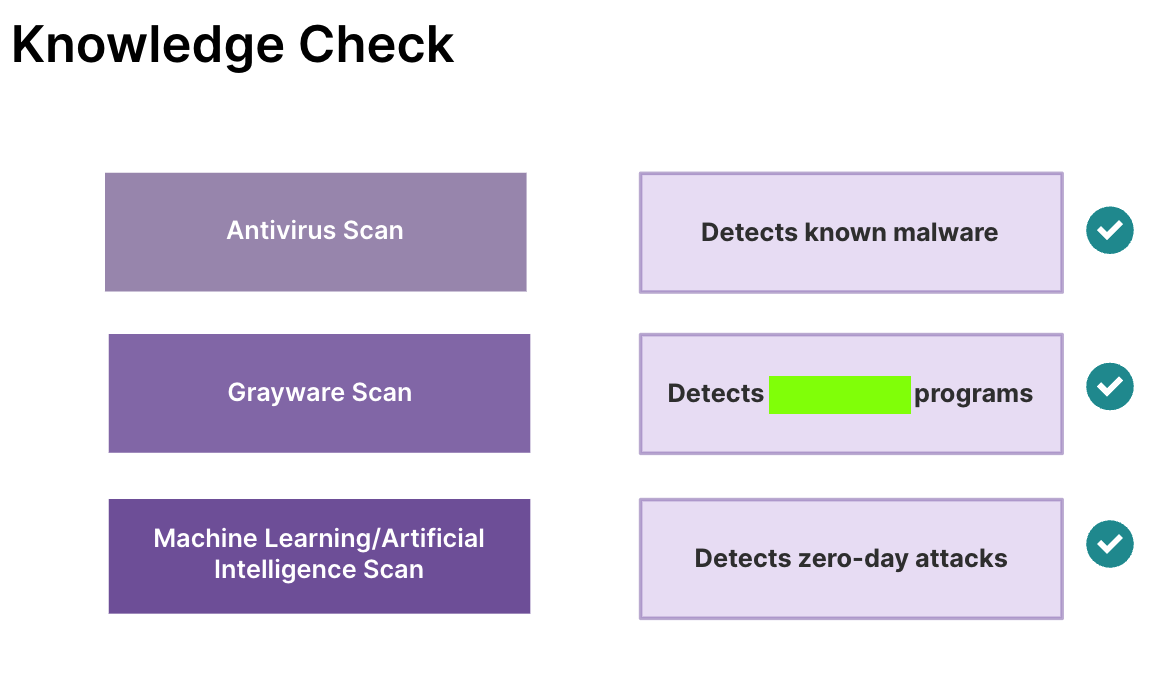
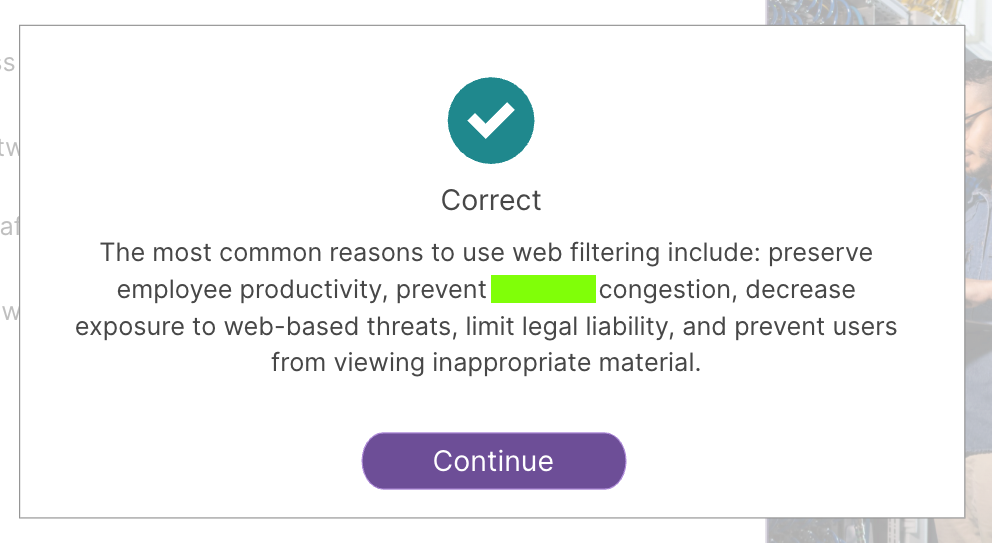
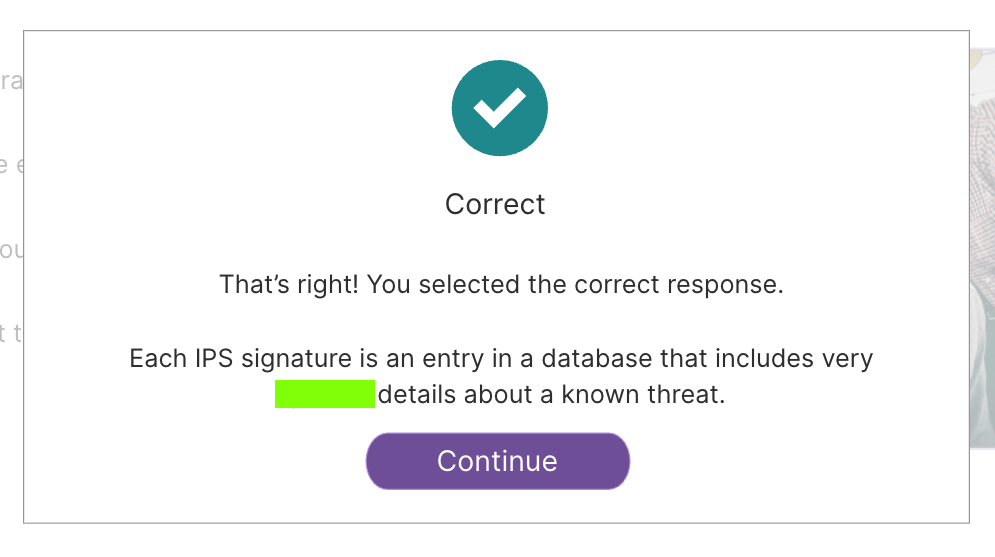
At the end of each lesson, you will find a page with a flag, covered by a green rectangle in the images below.
Submit those flags to earn your points.
Flag IR 410.1: Lesson 01: Overview (5 pts)
The flag is covered by a green rectangle in the image below.
Flag IR 410.2: Lesson 02: Configuring System Settings and Basic Networking (10 pts)
The flag is covered by a green rectangle in the image below.
Flag IR 410.3: Lesson 03: Firewall Policies (10 pts)
The flag is covered by a green rectangle in the image below.
Flag IR 410.4: Lesson 04: Authenticating Network Users (10 pts)
The flag is covered by a green rectangle in the image below.
Flag IR 410.5: Lesson 05: Inspect SSL Traffic (10 pts)
The flag is covered by a green rectangle in the image below.
Flag IR 410.6: Lesson 06: Blocking Malware (15 pts)
The flag is covered by a green rectangle in the image below.
Flag IR 410.7: Lesson 07: Control Web Access Using Web Filtering (15 pts)
The flag is covered by a green rectangle in the image below.
Flag IR 410.8: Lesson 08: Configuring the FortiGate Intrusion Prevention System (IPS) (15 pts)
The flag is covered by a green rectangle in the image below.
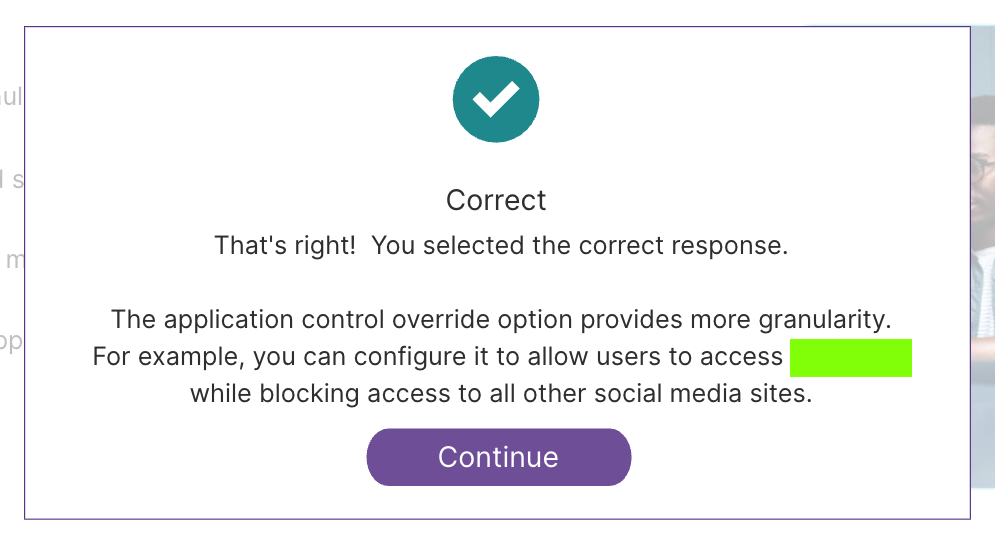
Flag IR 410.9: Lesson 09: Controlling Applications Access (10 pts)
The flag is covered by a green rectangle in the image below.
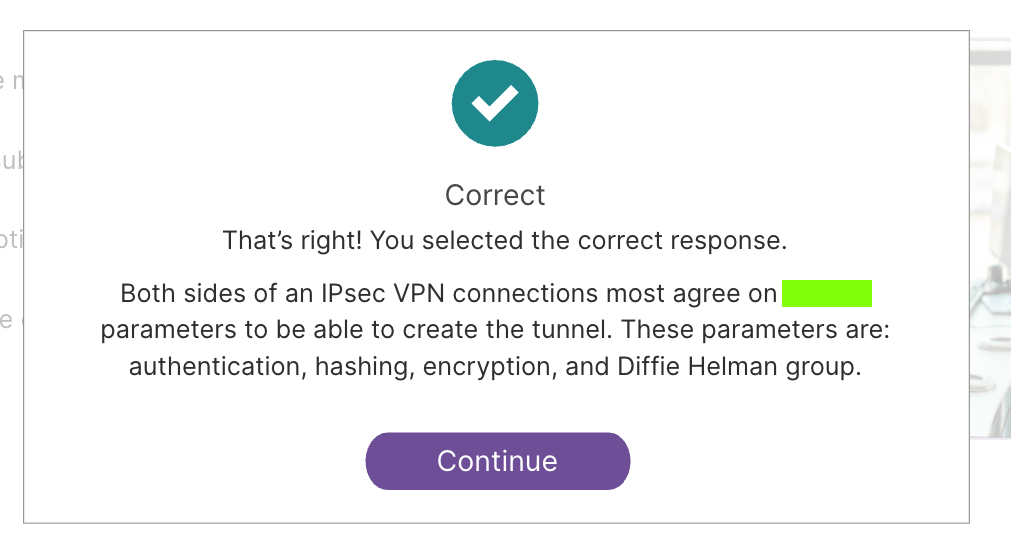
Flag IR 410.10: Lesson 10: Creating IPsec Virtual Private Networks (15 pts)
The flag is covered by a green rectangle in the image below.
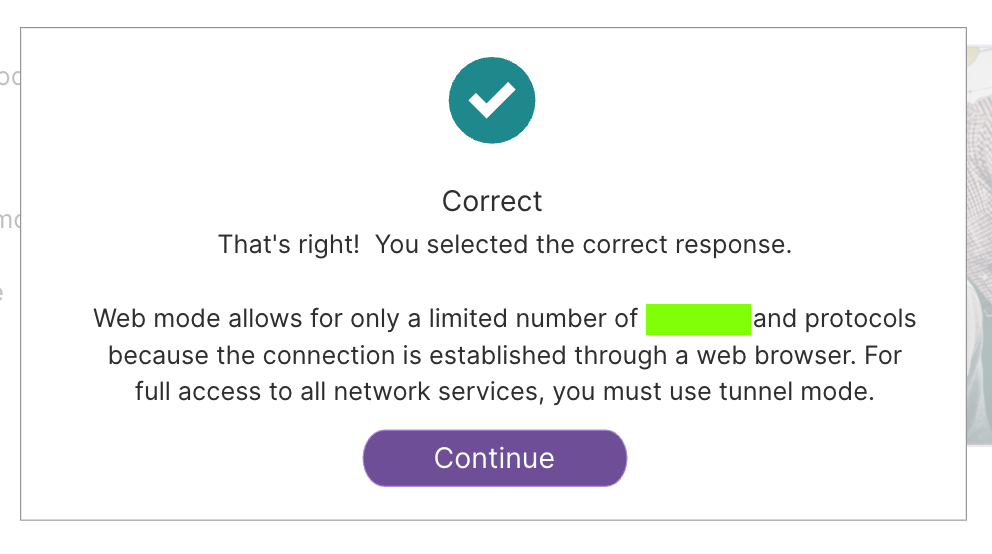
Flag IR 410.11: Lesson 11: Configuring FortiGate SSL VPN (15 pts)
The flag is covered by a green rectangle in the image below.
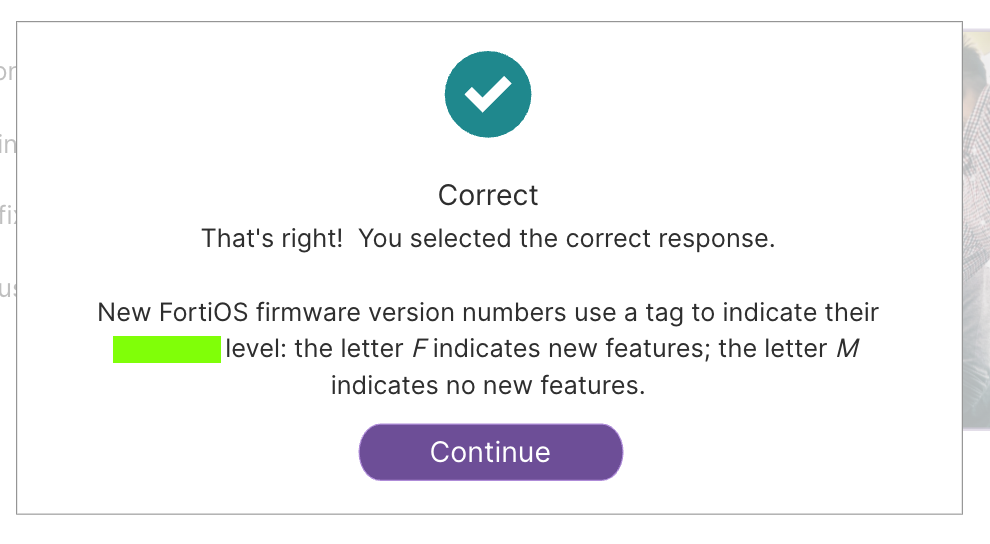
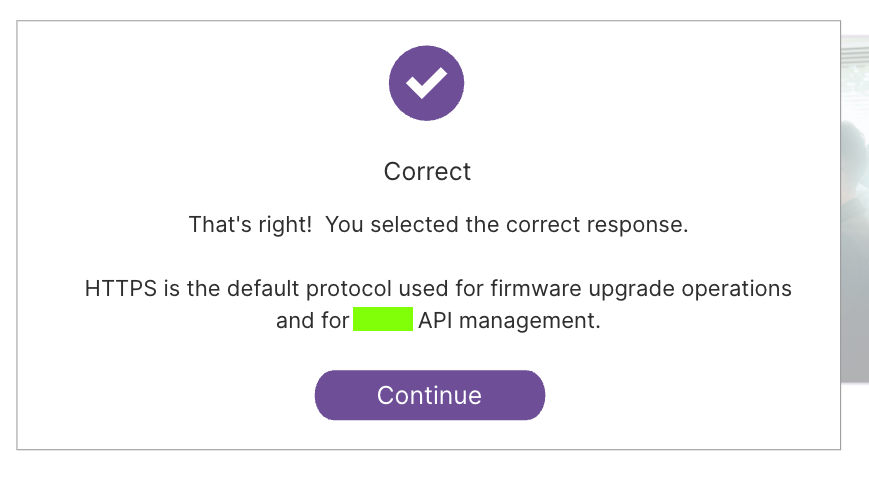
Flag IR 410.12: Lesson 12: FortiGate System Maintenance and Monitoring (15 pts)
The flag is covered by a green rectangle in the image below.
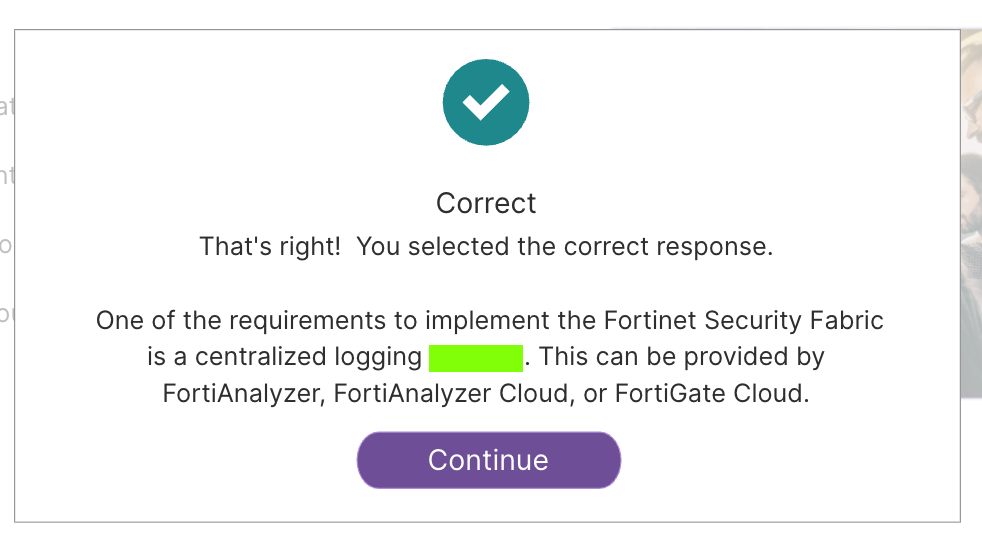
Flag IR 410.13: Lesson 13: Configuring the Fortinet Security Fabri (10 pts)
The flag is covered by a green rectangle in the image below.
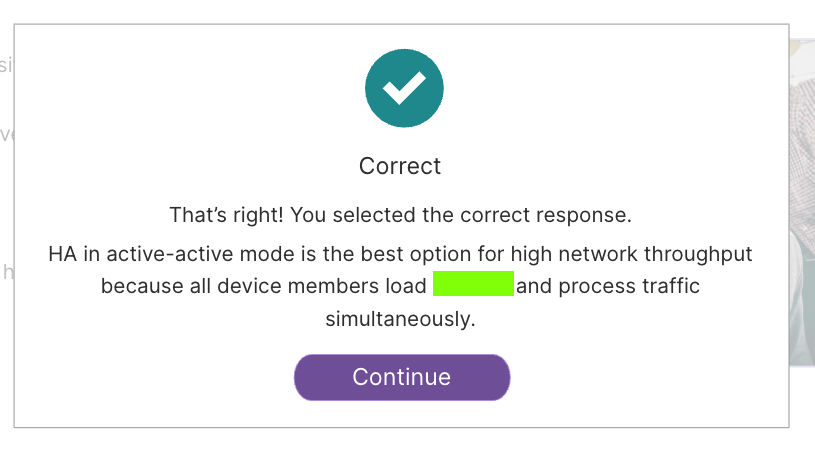
Flag IR 410.14: Lesson 14: FortiGate High Availability (HA) (15 pts)
The flag is covered by a green rectangle in the image below.
Flag IR 410.15: Lesson 15: Configuring FortiLink (10 pts)
The flag is covered by a green rectangle in the image below.
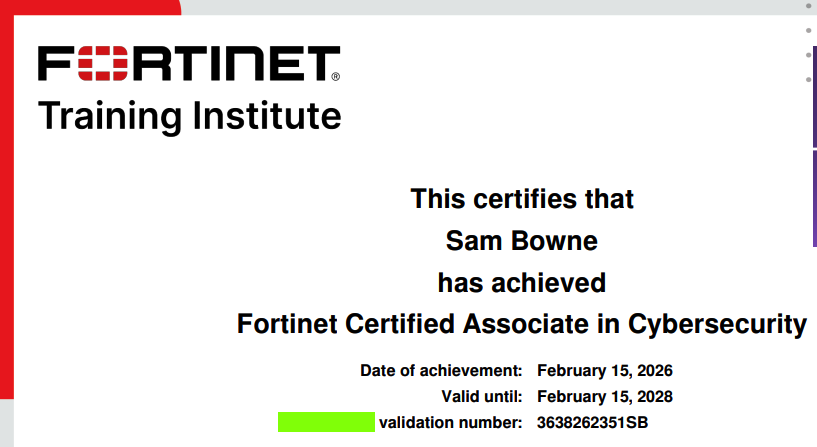
Flag IR 410.16: Operator Exam (30 pts)
The flag is covered by a green rectangle in the image below.
Posted 4-29-26
Lesson titles added 5-5-26