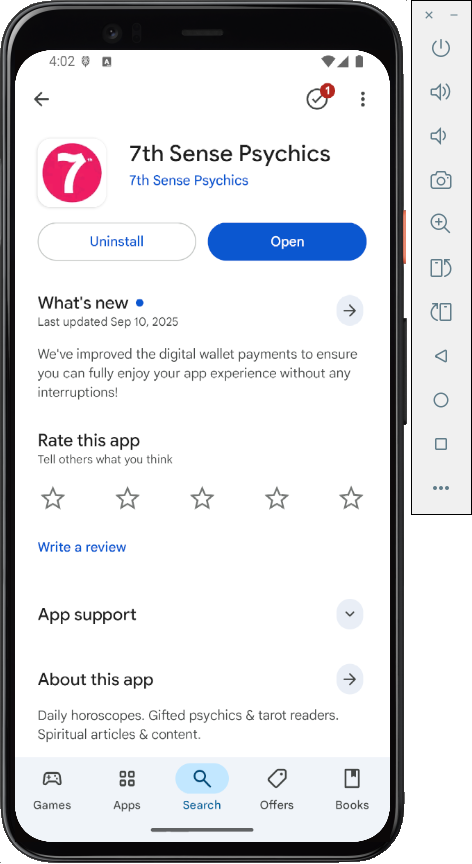
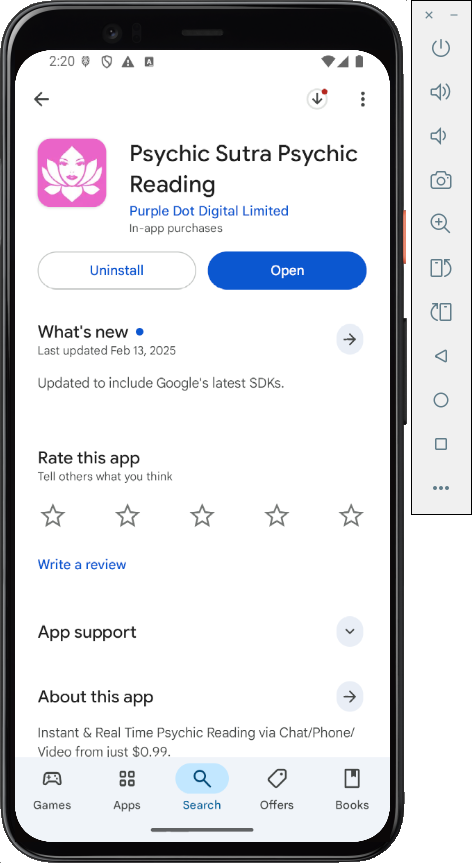
Install the app, as shown below. Be careful, there are other apps with the same name. Match the logo shape and color.
Archived App
In case they ever fix the app, here's the old version from 9-22-25.Download these files:
Then execute this command to install the app.
P@ssw0rd
Then execute these commands:
adb shell
su
cd /data/data
grep ssw0 -Ir . | grep prefs
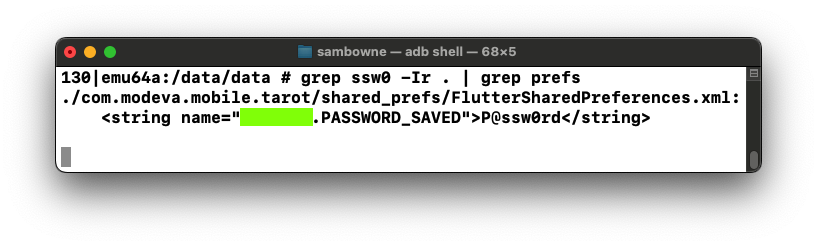
M 114.1: String Name (15 pts)
Find the text covered by a green box in the image above. That's the flag.
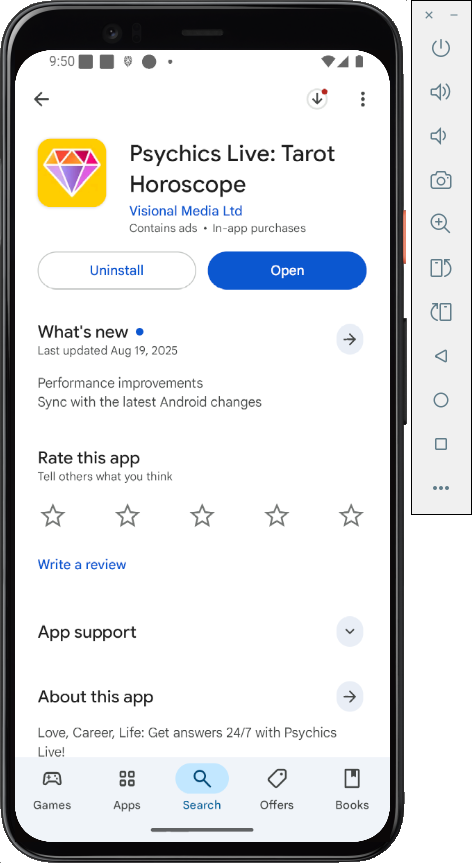
Create an account.
Archived App
In case they ever fix the app, here's the old version from 9-24-25.
Find the stored password, as shown below.
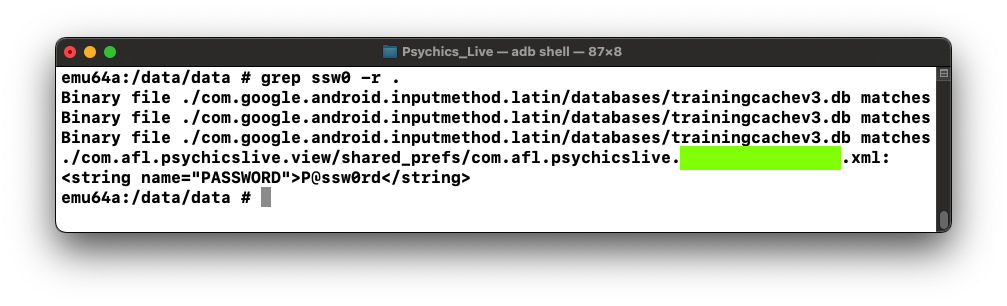
M 114.2: String Name (15 pts)
Find the text covered by a green box in the image above. That's the flag.
Create an account.
Archived App
In case they ever fix the app, here's the old version from 9-24-25.Download these files:
Then execute this command to install the app.
Find the stored password, as shown below.
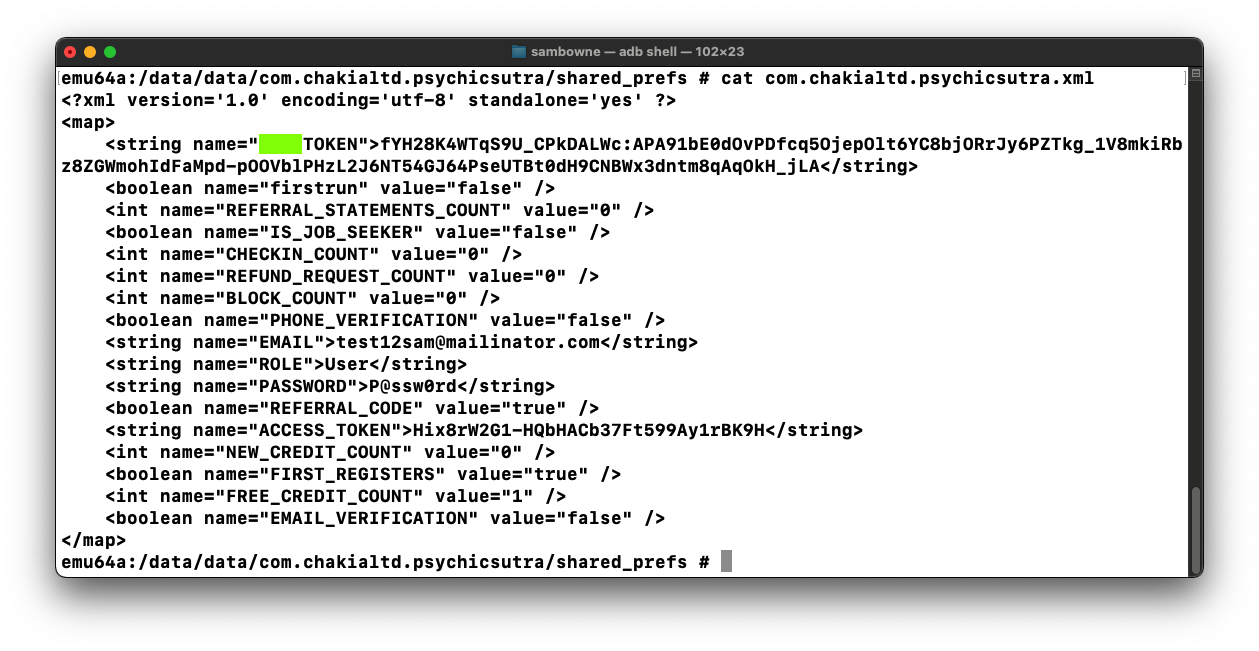
M 114.3: String Name (15 pts)
Find the text covered by a green box in the image above. That's the flag.