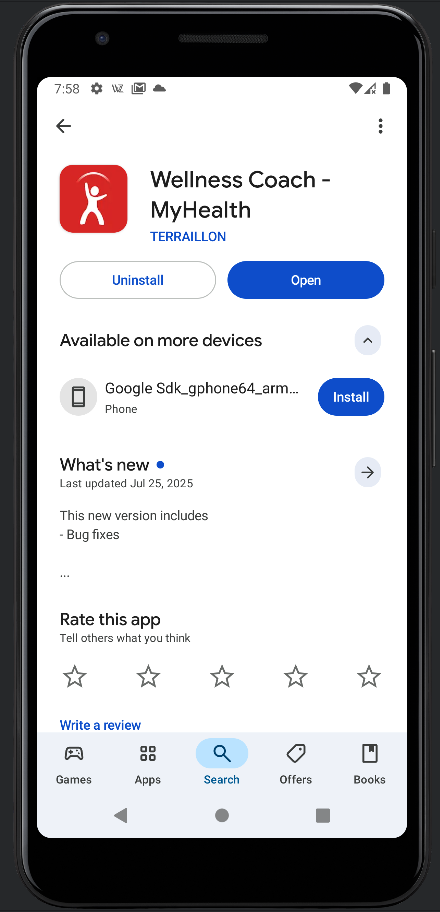
Then execute these commands:
adb logcat | grep SECRET
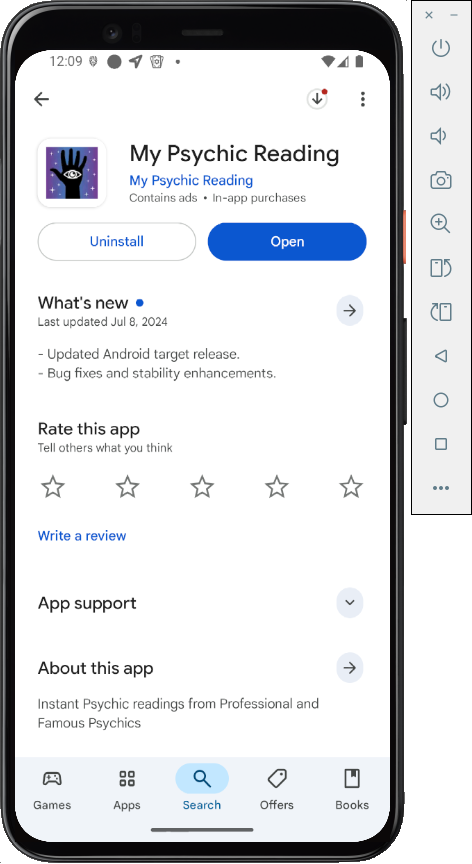
Install the app, as shown below.
Archived App
In case they ever fix the app, here's the old version from 9-18-25.
At the bottom of the first screen, click "I have already an account".
Log in with these credentials:
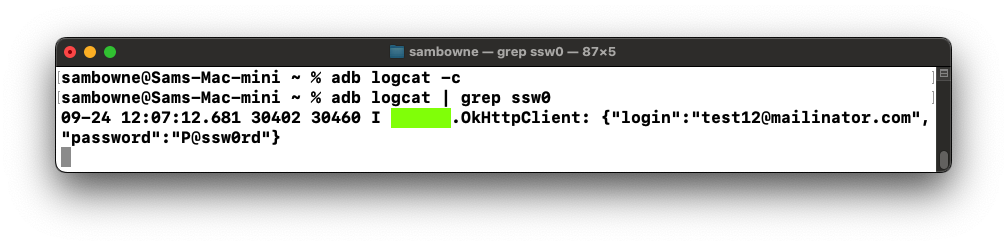
The credentials appear in the log, as shown below.
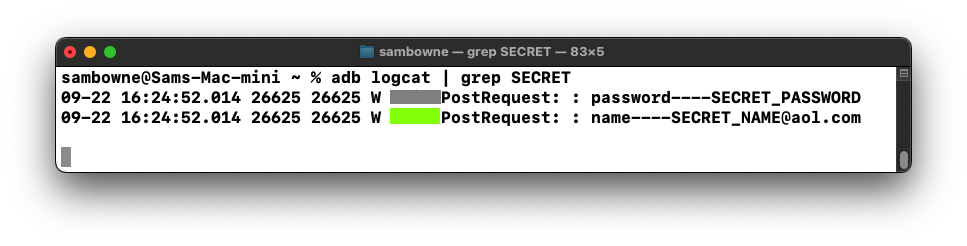
M 113.1: Function Name (15 pts)
Find the text covered by a green box in the image above. That's the flag.
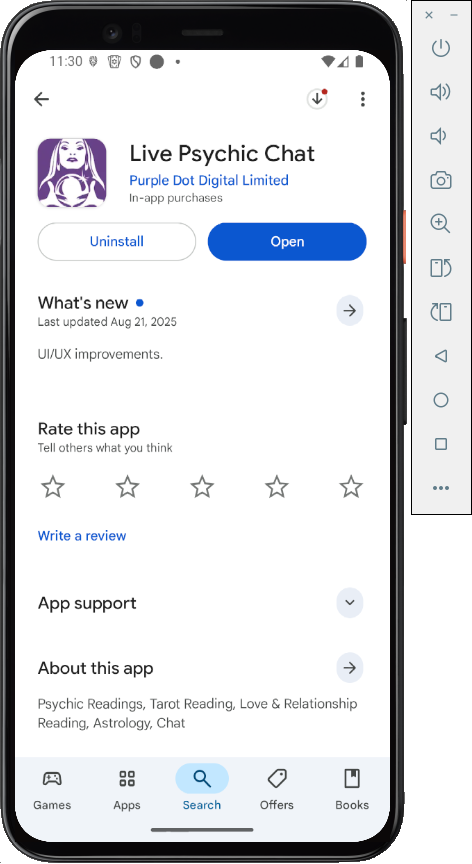
Archived App
Since the app was fixed, follow these steps to install the old version from 9-24-25.Work from your host system, or any machine that can connect to your Android emulator with adb.
Download these files:
Then execute this command to install the app.
Monitor the log as before.
You see your password, as shown below.
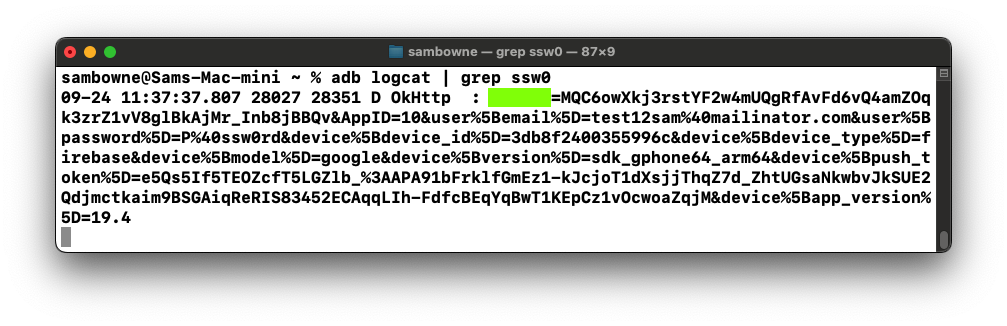
M 113.2: First Parameter (15 pts)
Find the text covered by a green box in the image above. That's the flag.
Archived App
In case they ever fix the app, here's how to install the old version from 9-24-25.Work from your host system, or any machine that can connect to your Android emulator with adb.
Download these files:
Then execute this command to install the app.
Monitor the log as before.
You see your password, as shown below.
M 113.3: Library Name (15 pts)
Find the text covered by a green box in the image above. That's the flag.
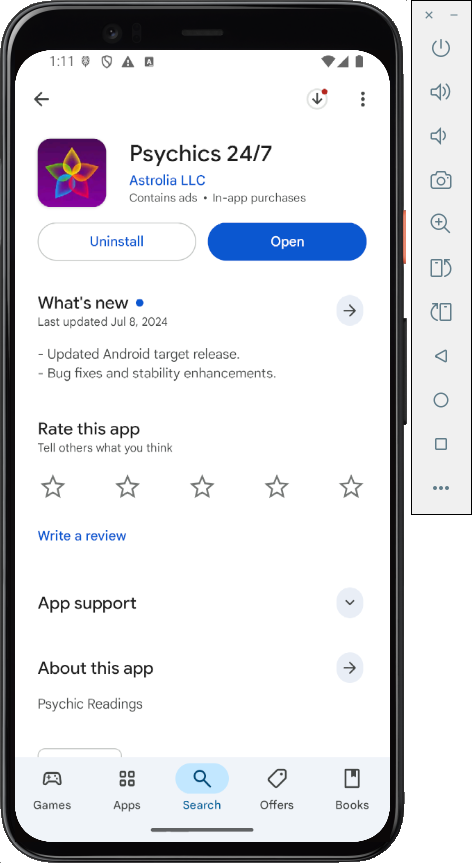
Archived App
In case they ever fix the app, here's how to install the old version from 9-24-25.Work from your host system, or any machine that can connect to your Android emulator with adb.
Download these files:
Then execute this command to install the app.
Monitor the log as before.
You see your password, as shown below.
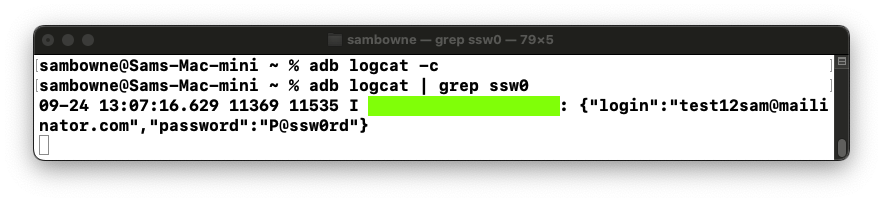
M 113.4: Library Name (15 pts)
Find the text covered by a green box in the image above. That's the flag.