This is such a serious security flaw that the FTC punished Fandango and Credit Karma for doing the same thing in 2014.
From the Android home screen, click the circle at the bottom center.
Open Settings.
In Settings, click "Network & internet".
Click Wi-Fi.
Click AndroidWiFi.
Click Advanced.
In the "Network details" screen, at the top right, click the Pencil icon.
In the "Proxy" field, click the down-arrow.
Click None.
Then click Save.
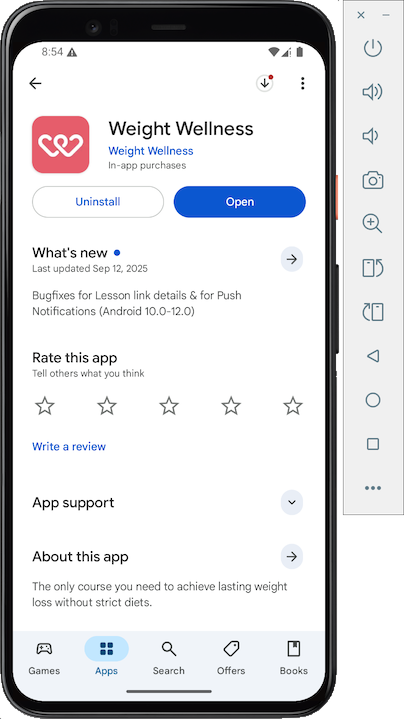
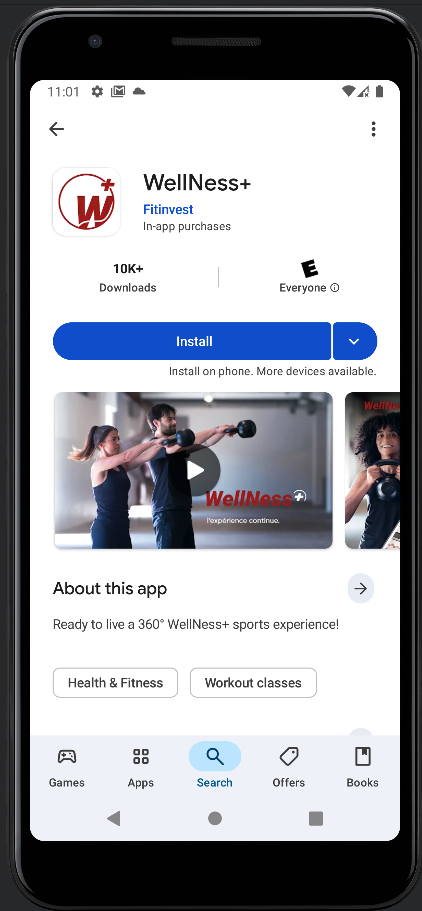
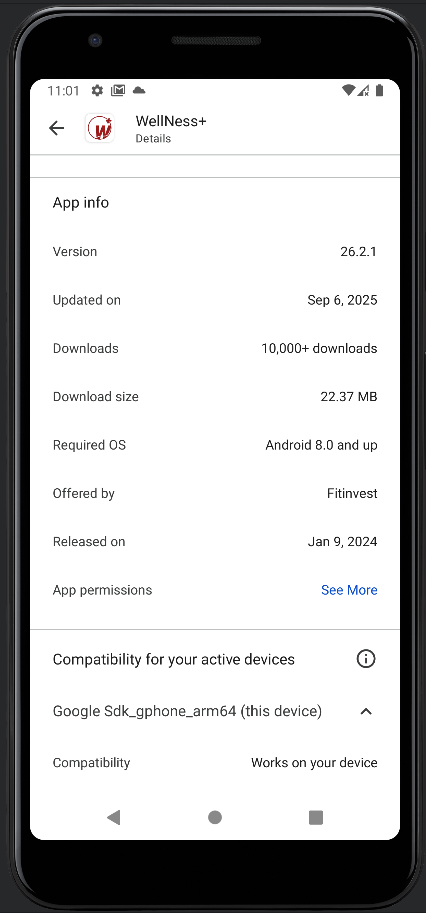
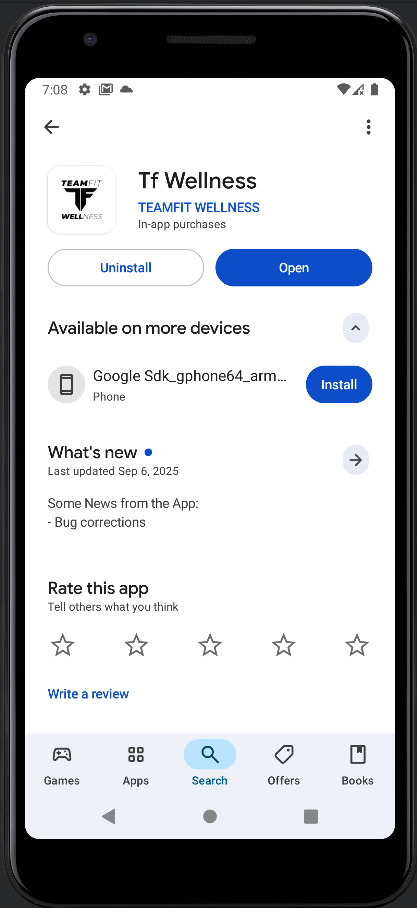
Install the app, as shown below. Be careful, there are other apps with the same name. Match the logo shape and color.
Archived App
In case they ever fix the app, here's how to install the old version from 9-18-25.Work from your host system, or any machine that can connect to your Android emulator with adb.
Download these files:
Then execute this command to install the app.
Click Wi-Fi.
Click AndroidWiFi.
Click Advanced.
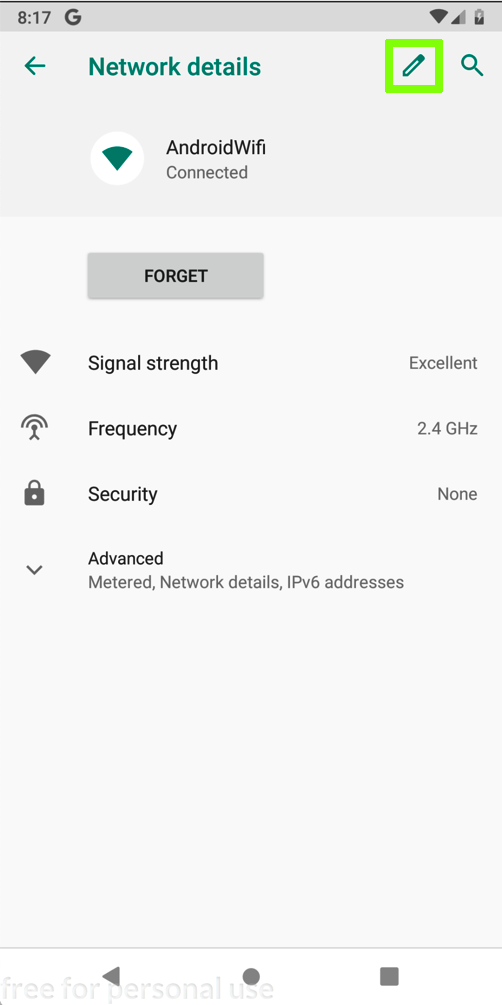
In the "Network details" screen, at the top right, click the Pencil icon, outlined in green in the image below.
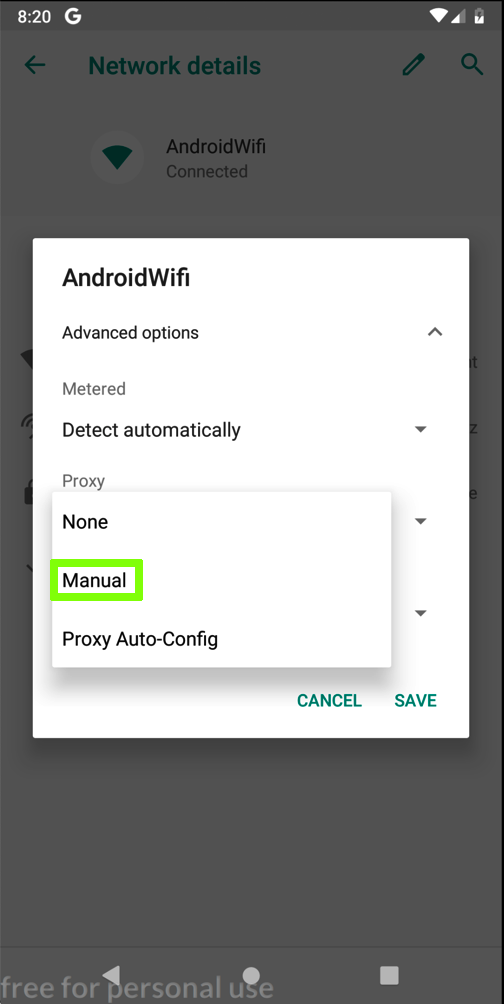
In the "AndroidWifi" box, in the "Advanced options" row, click the down-arrow.
In the "Proxy" field, click the down-arrow.
Click Manual, which is outlined in green in the image below.
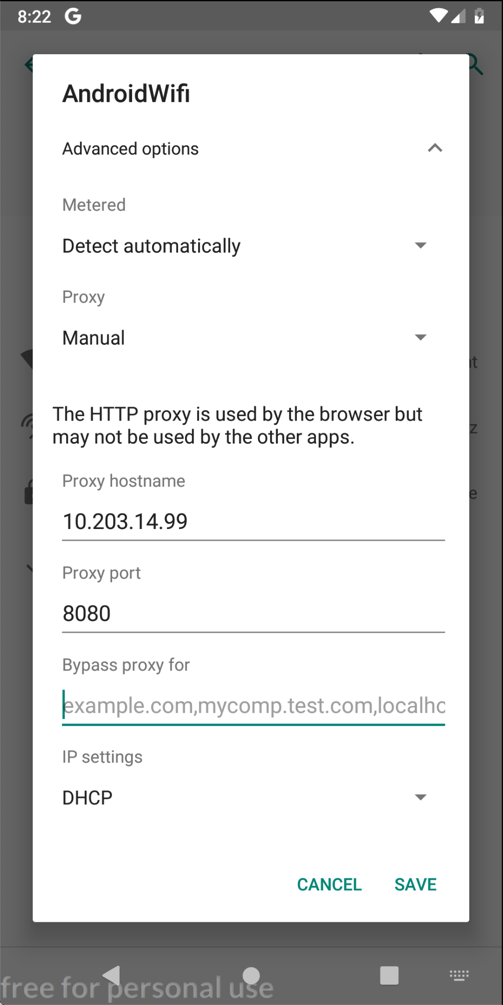
Enter the IP address and port number of the Burp proxy listener, as shown below.
On your Android device, click SAVE.
At the bottom center of the device, click the round Home button.
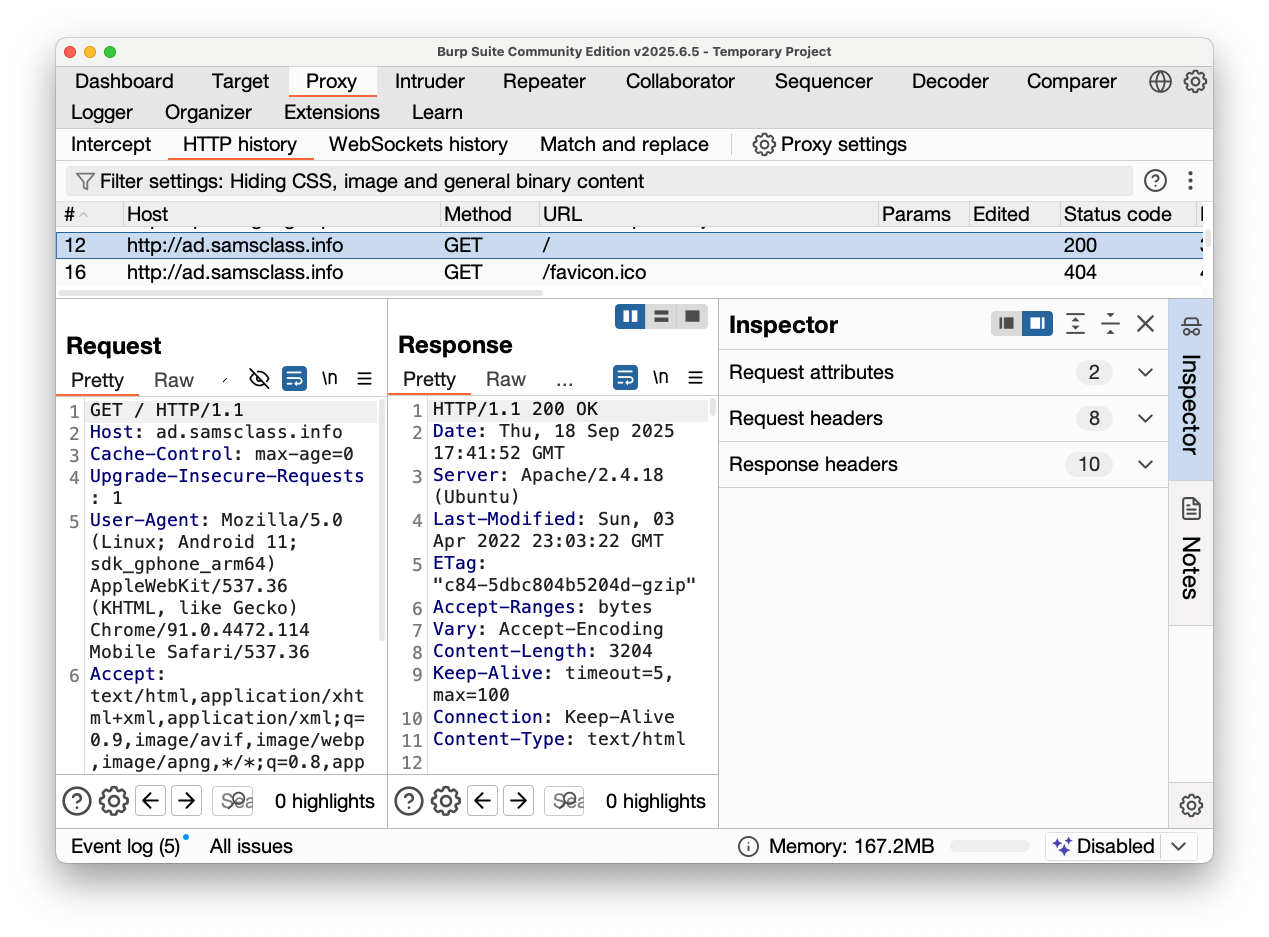
On your Android emulator, open a Web browser and go to:
http://ad.samsclass.infoYou should see traffic to ad.samsclass.info in Burp, in HTTP history, as shown below.
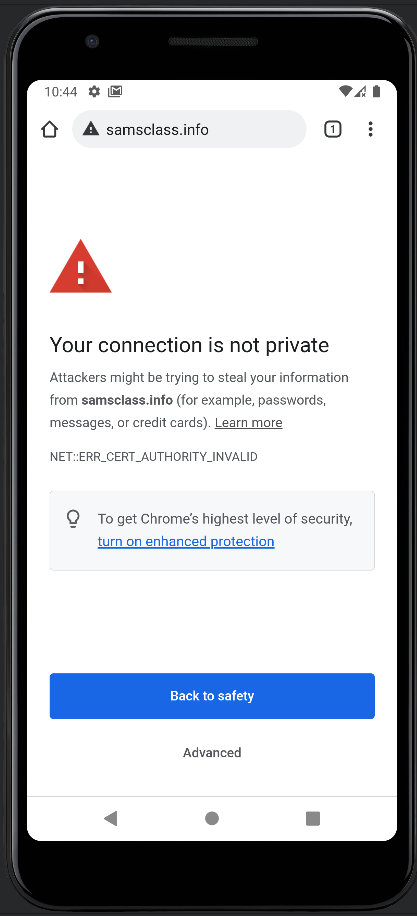
https://samsclass.infoYou should see an error message, warning that your connection is not private, as shown below.
This is because you are intercepting HTTPS traffic with Burp. No application should send sensitive data under these conditions, and the browser correctly warns the user.
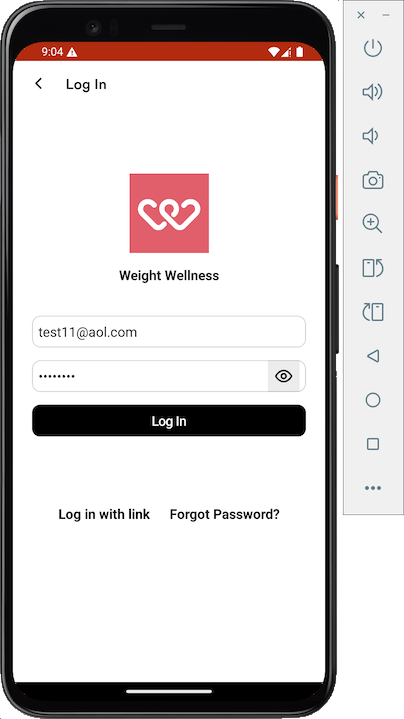
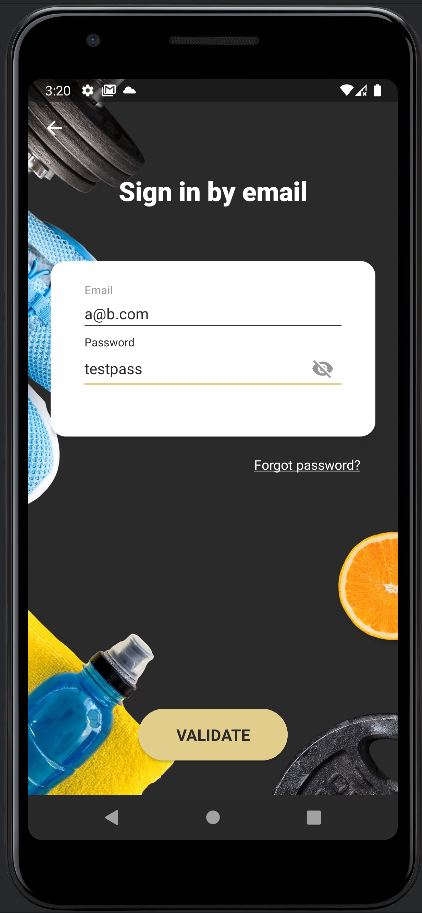
Log in with any email and password, as shown below.
Your login will be rejected.
In Burp, in HTTP history,
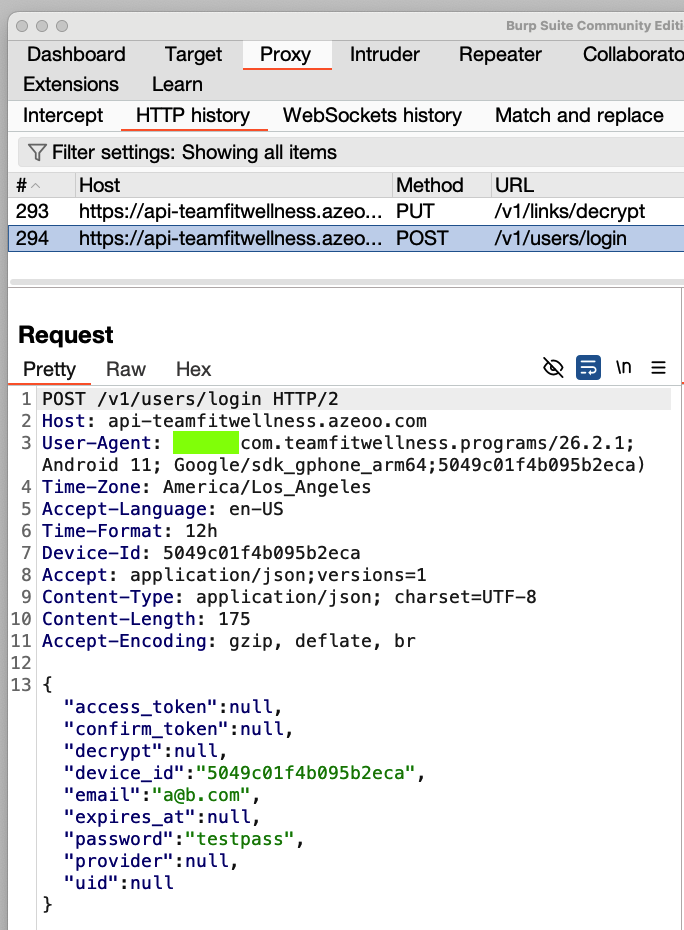
examine the POST request used to log in.
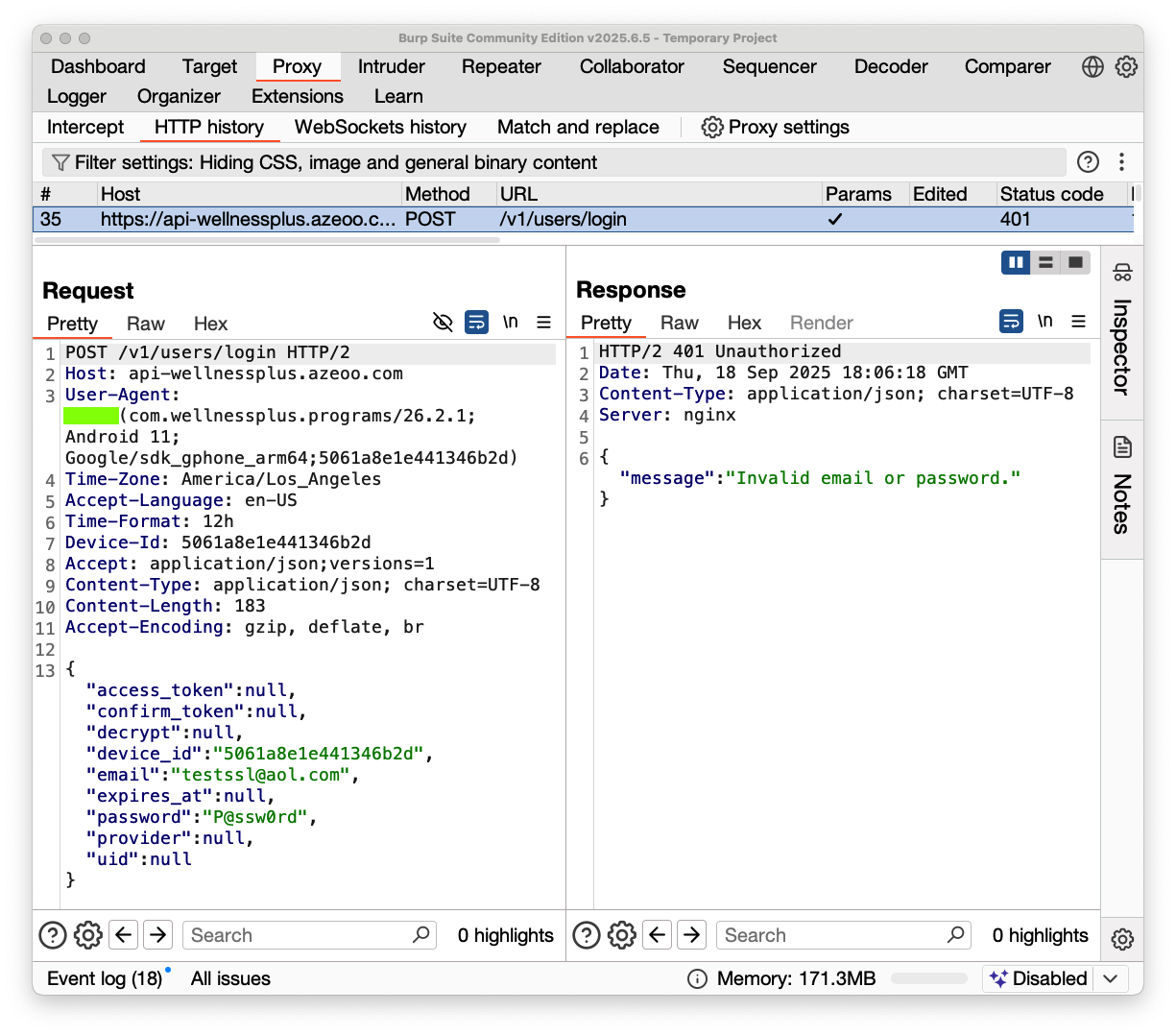
The username and password appear in Burp, as shown below:
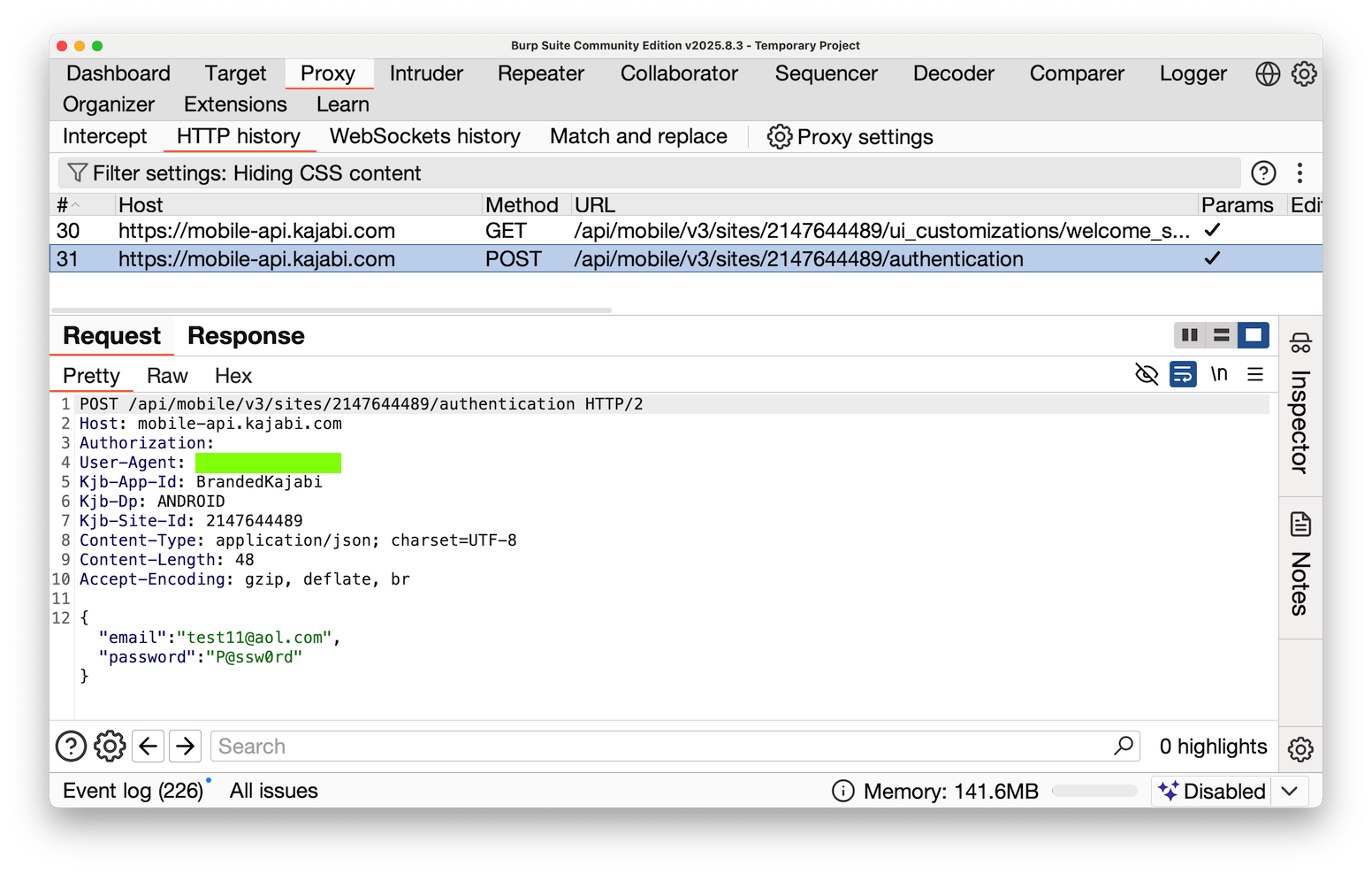
M 112.1: User-Agent (15 pts)
Find the text covered by a green box in the image above. That's the flag.
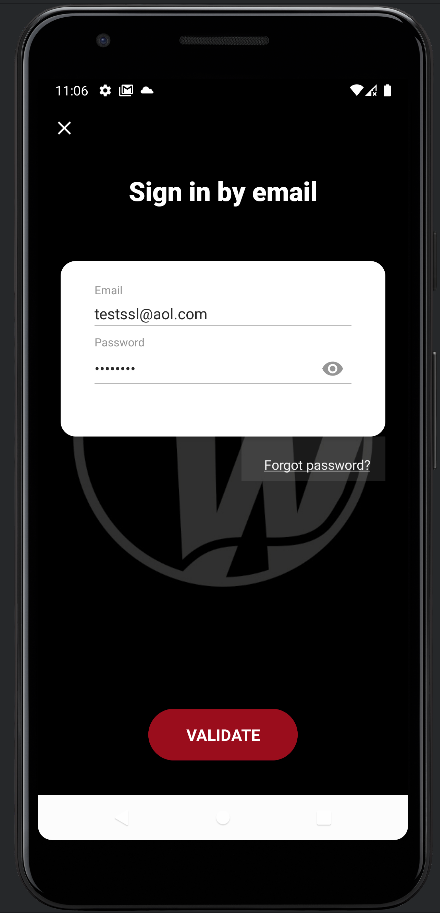
Make an attempt to log in, as shown below.
Archived App
In case they ever fix the app, here's how to install the old version from 9-18-25.Work from your host system, or any machine that can connect to your Android emulator with adb.
Download these files:
Then execute this command to install the app.
M 112.2: User-Agent (15 pts extra)
Find the text covered by a green box in the image above. That's the flag.
Make an attempt to log in, as shown below.
Archived App
In case they ever fix the app, here's how to install the old version from 9-20-25.Work from your host system, or any machine that can connect to your Android emulator with adb.
Download these files:
Then execute this command to install the app.
M 112.3: User-Agent (15 pts extra)
Find the text covered by a green box in the image above. That's the flag.